Rucking App for iPhone & Android
Carry the weight. Track the miles. See the work.
For the latest setup instructions and downloads, visit the main Rucking.Pro app guide. Use the main calorie calculator guide to understand the estimates.
Built for backpack rucks and weighted-vest walks, the Rucking apps let you track workouts with GPS and estimate calories using your body weight, carried load, distance, and effort.
Set your pack weight, choose backpack or weighted vest, and tap Start Ruck. Follow your workout while you move, then save it when you finish.


Track Your Ruck Live
The apps have grown beyond the original calculator. Now you can record a ruck as it happens.
- GPS distance: track how far you travel.
- Workout time and average pace: follow your progress throughout the session.
- Elevation gain: see the climbing included in your workout.
- Live calorie estimates: include your body weight, carried weight, and effort.
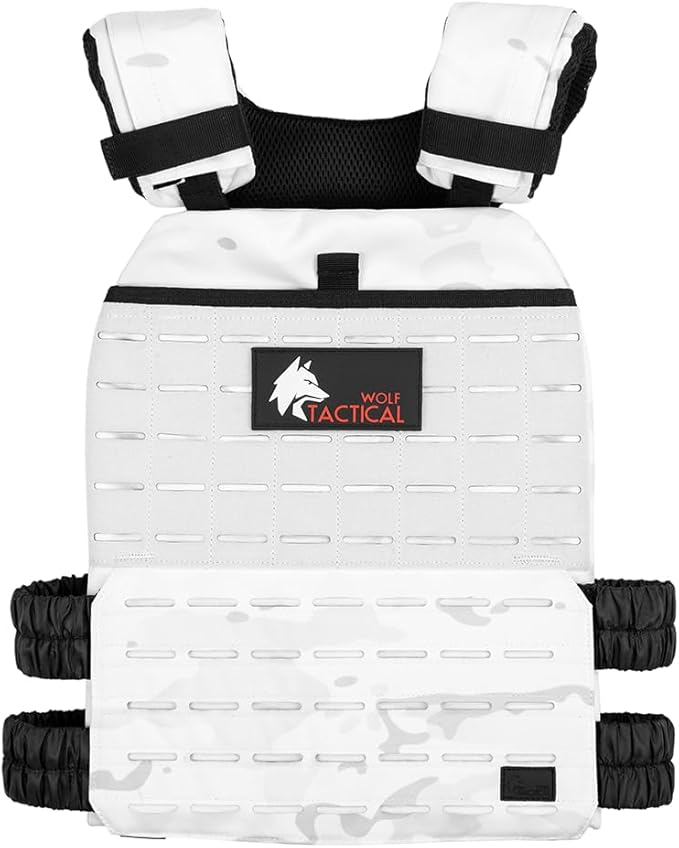
- Backpack and weighted-vest settings: choose your load setup.
- Background tracking: continue recording while your phone screen is locked.
When compatible heart-rate data and permissions are available, that data can help estimate workout effort. You can also select an effort level manually.
iPhone, Apple Health & Apple Watch
The iPhone app is called Rucking Calorie Calculator. With your permission, Apple Health integration can read your body weight and available heart-rate data and save completed rucking workouts.
- Review workout history with statistics and GPS route maps.
- Share a completed workout summary.
- Follow an active ruck through Lock Screen Live Activities.
- Enable optional spoken mile announcements.
- Use the manual calculator to add a completed ruck to Apple Health afterward.
The Apple Watch companion lets you start and stop a ruck, adjust pack weight, and view progress from your wrist. Keep your paired iPhone with you for GPS tracking and connected Watch controls.
Android & Health Connect
The Android app is called Rucking. It combines live GPS workout tracking with calorie and weight-loss calculators.
With your permission, optional Health Connect integration lets you save completed rucks. Health access is optional, so you can still use the calculators without connecting your health data.
Calculate a Ruck Without Recording It Live
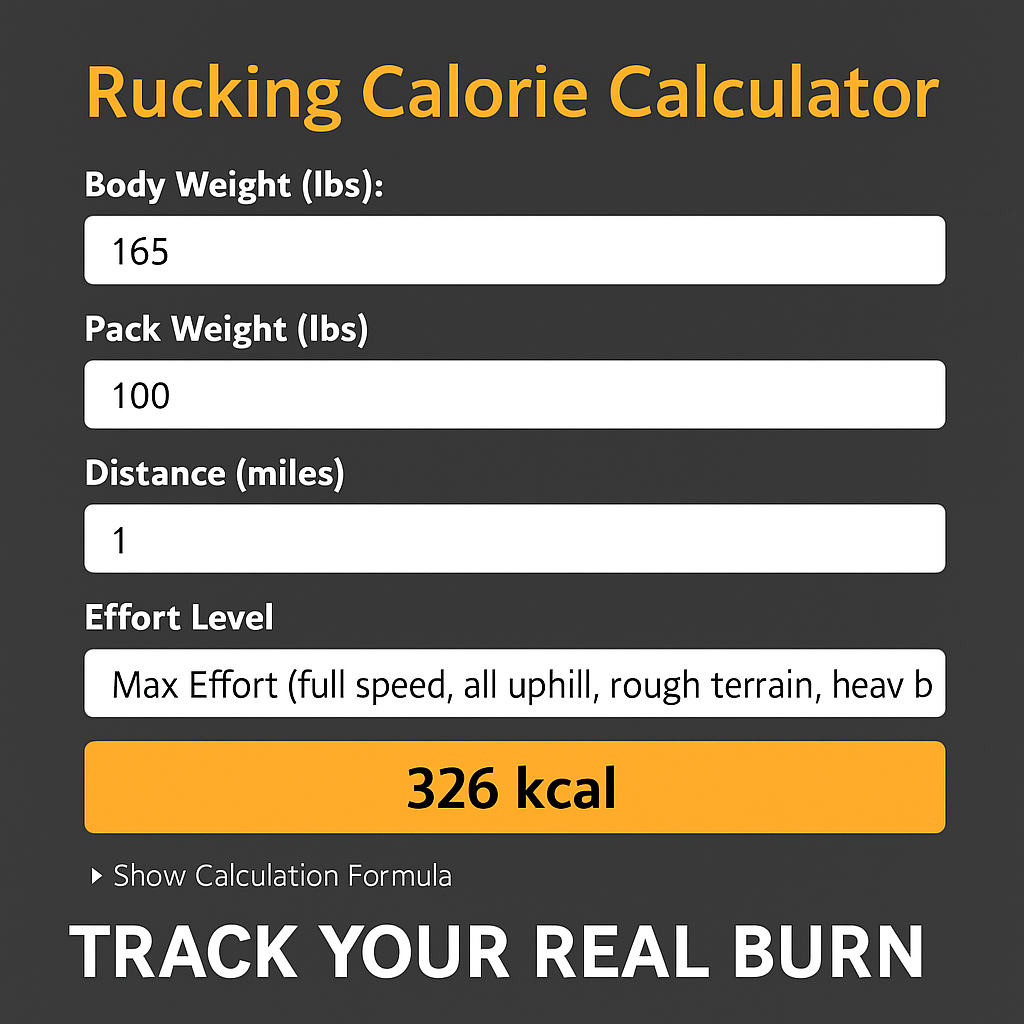
Forgot to tap Start Ruck? Already know your distance? Use the manual calorie calculator.
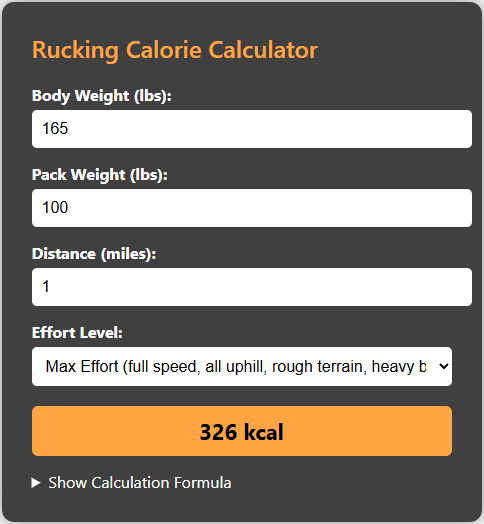
Enter your body weight, carried weight, distance, effort level, and backpack or vest setup to estimate calorie burn. Manual calculation does not require a recorded GPS route.
Want to try it in your browser first?
Open the free Rucking Calorie Calculator
Plan Your Weight-Loss Goal
The weight-loss calculator combines your personal details, activity level, food intake, and rucking routine to estimate a daily calorie deficit and possible timeline.
Use it to compare scenarios and plan a routine you can repeat. Treat the result as a starting estimate rather than a deadline.
Open the free Rucking Weight Loss Calculator
Why I Built the Rucking App
I’m Preston Shamblen, an ISSA-certified personal trainer. I lost 90 pounds through rucking, weighted-vest training, strength work, and disciplined nutrition.
I wanted a workout tool where the weight I carried was part of the calculation. The original app answered one question: how many calories might that ruck have burned?
Now I can start a ruck, track the miles, follow the workout, and save it afterward. That’s the tool I wanted to use myself.
Watch the Rucking App Demos
See how to track a ruck on iPhone or Android, and how the Apple Watch controls work with your iPhone.
Rucking App for iPhone and Android
Apple Watch Demo
Using an Apple Watch? Bring your paired iPhone for GPS tracking.
Rucking App Questions
Does it work with a weighted vest?
Yes. Choose the weighted-vest setting and enter the weight you are carrying. The apps also support backpack rucking.
Do I need GPS?
GPS and location permission are needed for live route and distance tracking. The manual calculator does not require GPS.
Do I have to connect Apple Health or Health Connect?
No. Health integration is optional. Reading health data and saving workouts require your permission.
Can I track with just my Apple Watch?
The current Watch companion uses your paired iPhone for GPS tracking and connected workout controls. Bring your iPhone with you.
Are the calorie numbers exact?
No. They are estimates that account for your entered load and workout details. Actual calorie expenditure varies, and weight-loss projections use a simplified model.
Features can differ by platform, installed version, device compatibility, permissions, and available health data.
Support, Feedback & Partnerships
Found a bug or have a feature request? Email your phone model, app version, and a description of what happened. Screenshots help.
App support: admin@rucking.pro
For business partnerships, media inquiries, or collaboration ideas, contact the same address with the details of your proposal.
Training and gear guides: Rucking.pro
Instagram: @howtoruck
Start Your Next Ruck
Choose your setup. Enter your load. Tap Start Ruck.
Start the ruck. Do the work. Track the miles.