A rucking calorie deficit calculator is useful only when you know what its numbers represent. Estimating energy used on a loaded walk is one calculation. Estimating your daily deficit requires a broader view of food intake and total daily energy expenditure.
Use the steps below to keep those calculations separate. The aim is a consistent planning method, not an exact prediction of how much weight a particular walk will change.
1. Understand the two estimates
A session calculator estimates the energy associated with a workout. A daily energy estimate includes resting needs, ordinary movement and other activity across the day. An estimated deficit is daily expenditure minus daily intake, provided both sides describe the same day and use compatible assumptions.
Do not subtract a meal from a workout number and call the result your daily deficit. That leaves out the rest of the day’s food and energy use. Likewise, multiplying a session estimate by seven does not establish a weekly deficit unless the remaining assumptions also hold.
2. Enter a realistic rucking session
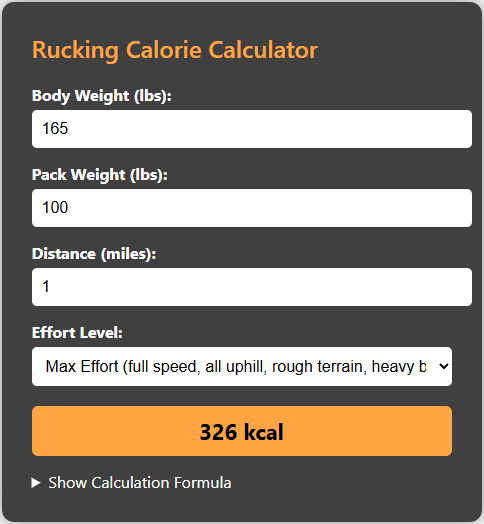
Start with the weighted-vest and rucking calculator. Use current body weight, the complete carried load and the distance actually walked. Check units and select the appropriate carry type and effort setting.
The current web tool uses distance, weights, effort and carry type. It does not directly calculate from elapsed time, precise walking speed, measured grade or heart rate. Those limits matter when your route has frequent stops or changing terrain.
Weigh the packed equipment rather than counting only a plate. Water and the pack itself contribute to carried weight. For comparisons, use the same route and settings unless something genuinely changed. Do not select a higher effort merely to produce a larger number.
3. Check active versus total calories
Total workout calories generally include energy you would have used at rest during the workout. Active calories generally represent expenditure above that resting baseline. Devices and tools can use different definitions, so read the explanation attached to the result.
The linked web calculator does not separately estimate resting calories. Its result should not be treated as a precise active-calorie adjustment to a daily food target. If a tool’s definition is unclear, keep the workout number as a separate record rather than combining incompatible totals.
4. Choose one consistent accounting approach
These two approaches describe different starting assumptions:
- Usual-activity approach: your maintenance estimate already reflects your normal weekly exercise, including rucking. Regular rucks stay inside that estimate.
- Separate-activity approach: your baseline excludes the exercise you add separately. Any adjustment needs to represent activity beyond that baseline, rather than including resting energy again.
Neither approach becomes accurate merely because a calculator displays a precise number. The important first check is whether your exercise is already included. Avoid combining an active lifestyle estimate with every workout added on top.
Also check imports. One ruck can appear as a watch workout, a manually entered session and a step-based adjustment. Review how your platform handles overlap before accepting all three.
5. Treat weight forecasts as scenarios
A fixed daily deficit does not guarantee a fixed rate of weight change indefinitely. NIDDK notes that energy needs change with weight loss, among other challenges to maintenance.
The NIDDK Body Weight Planner offers a separate way to explore changes in activity and intake over time. Its eligibility guidance states that it is for adults and is not intended for pregnant or breastfeeding people. It is not personal medical advice.
Do not choose a deadline first and force a food target low enough to match it. A clinician or registered dietitian can help decide whether intentional weight loss and a particular plan are appropriate for you.
6. Review the plan using more than one number
Keep notes on sessions completed, comfort, hunger and recovery. If you choose to monitor weight, use a longer-term trend alongside those observations. Change one part of the routine at a time so you can understand what became easier or harder.
Before trusting the next estimate, check: correct units, complete load, realistic distance, clear calorie definition and no duplicate workout. A transparent estimate with known limits is more useful than a precise-looking deficit built from overlapping numbers.
Compare equipment fit before buying
As an Amazon Associate we earn from qualifying purchases through product links in this article.
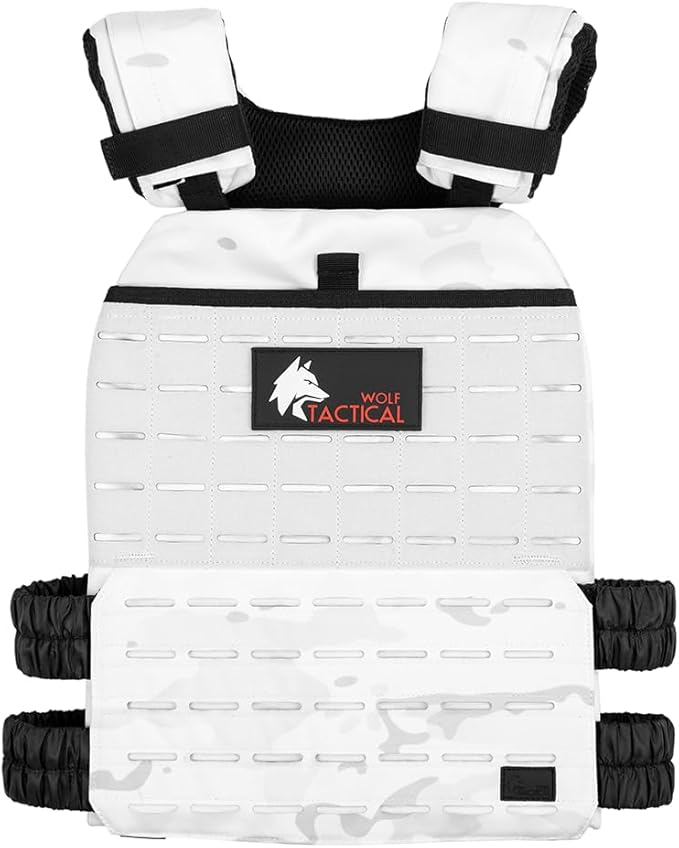
These equipment links are options to compare, not a claim of hands-on testing or a recommendation to add more weight. Check the current model, sizing, permitted loading, and return terms. A carrier’s capacity does not establish a suitable walking load.

Keep a useful record with Rucking.Pro
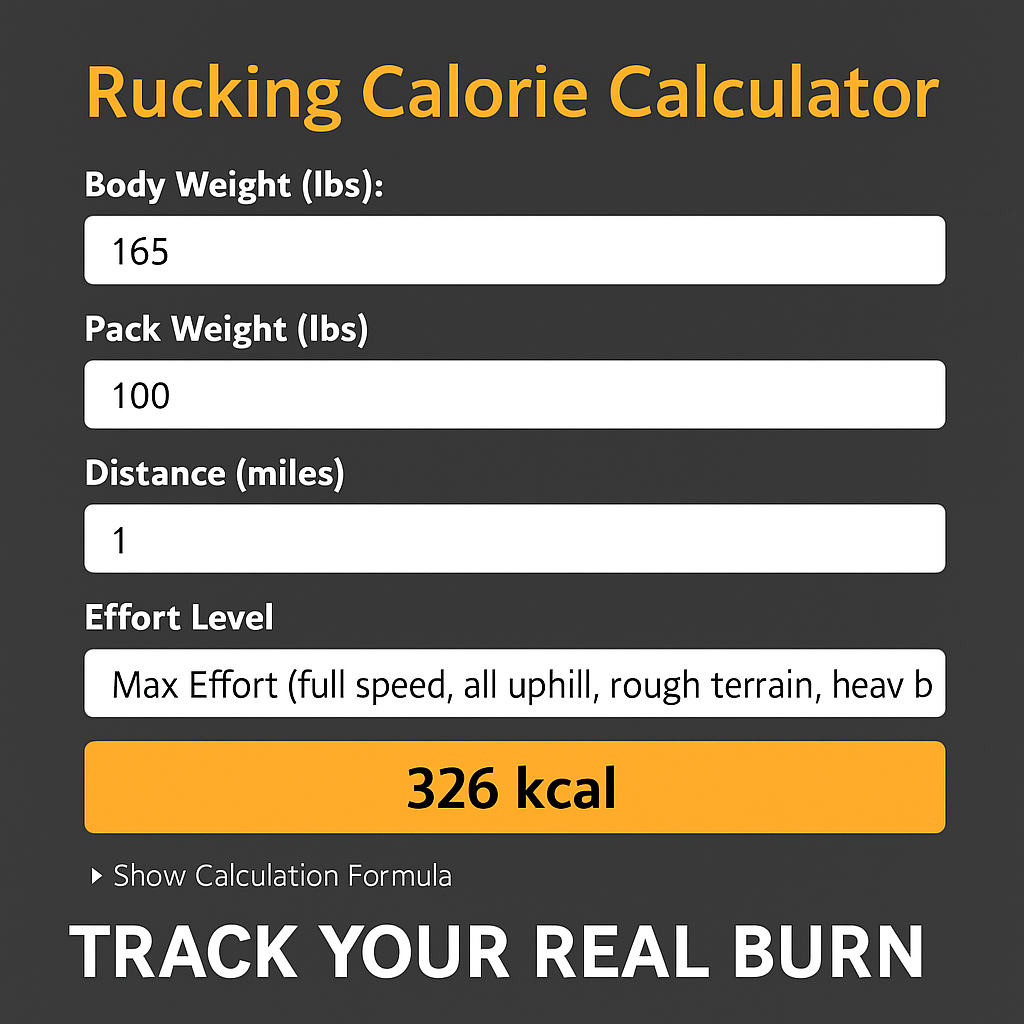
Use the main Rucking.Pro calorie calculator for a planning estimate, and keep the result labeled as an estimate. It cannot choose a safe training load or tell you what an individual session will do to your bodyweight. Record route, time, complete carried weight, and how the outing felt alongside any calorie number.

Visit the Rucking.Pro app guide for the current phone options. Check the relevant store listing for platform features and requirements.