Give each tracking number a clear job
A fitness tracker can help record the duration, distance, and effort of a loaded walk. Its calorie figure is an estimate. A load-aware calculator provides a second estimate using different assumptions. Neither becomes the correct answer simply because the number is higher.
The useful question is what information you need for the next walk. Distance and time help plan a route. Carried weight helps describe the workload. Effort and recovery help you judge whether the session was manageable. Calories can support comparisons, but they should not be the only reason to add weight or walk farther.
Check these inputs first
- Distance: compare an unfamiliar GPS result with a route you know. Buildings, trees, pauses, and a late start can complicate a track.
- Time: distinguish elapsed time from moving time, and keep the same convention between sessions.
- Body weight: enter your current body weight in the correct units.
- Carried weight: weigh the whole loaded pack or vest, not only the advertised plates.
- Calorie definition: note whether the device shows activity-only or total workout energy. Do not compare different definitions as if they were identical.
Use the main calculator with its limitations in view
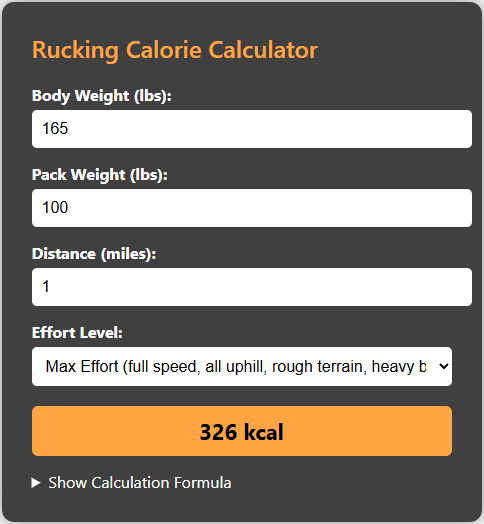
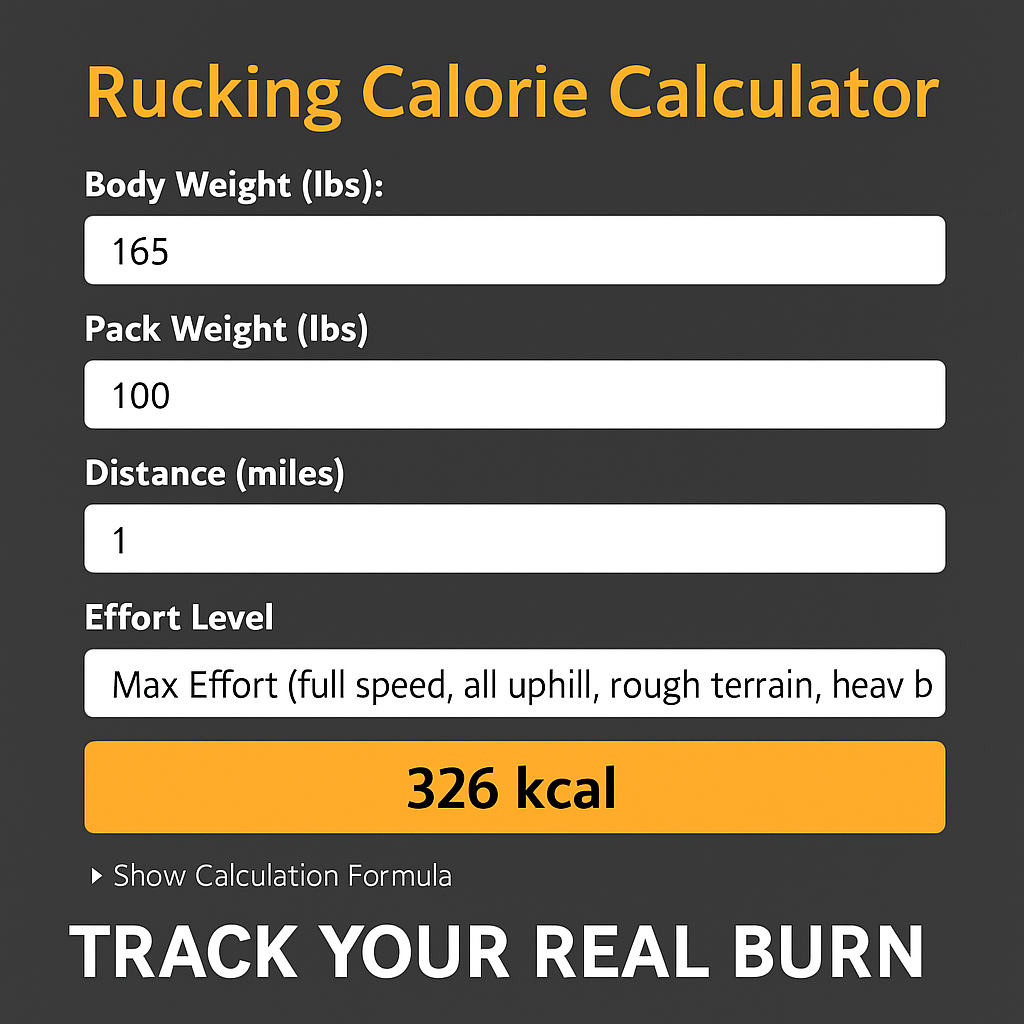
Open the Rucking.Pro calculator guide for the current web tool. It uses body weight, carried weight, distance, an effort preset, and carry type. It does not directly calculate from exact walking speed, measured slope, or heart rate. A broad effort setting cannot describe every route.
For a useful comparison, keep the distance and other inputs fixed while changing only the load. Treat the difference as a model result. Do not automatically add that difference to your tracker’s calories, because the tracker may already reflect some increased effort. Do not add the two full-session estimates together.
A repeatable six-step workflow
- Pick a familiar route and a manageable load.
- Write down body weight, complete equipment weight, and carry type.
- Start your chosen recording tool and check that it is running.
- At the finish, inspect distance and duration for obvious gaps.
- Run a calculator comparison if useful, keeping its number separate from the tracker.
- Note terrain, stops, effort, and recovery before planning the next session.
Use the resulting log to compare like-for-like sessions. A repeated 10% difference between two tools shows disagreement; it does not establish a valid 10% correction. Similarly, a high heart rate can be useful context without proving a precise calorie total.
Phone tracking for loaded walks
The Rucking.Pro apps offer carried-load settings with workout tracking. Choose the current iPhone or Android listing below. Optional health integrations depend on permission and compatible data, so check what actually appears in a short test workout.

Download for iPhone · Get Rucking on Google Play · Read the main Rucking.Pro app guide
If a watch and phone app both save sessions, review the finished records before manually adding another copy. Keep one primary workout record and retain alternative estimates in your notes rather than combining them into an inflated daily total.
As an Amazon Associate we earn from qualifying purchases through product links in this article.
Recommended gear to improve measurement and comfort
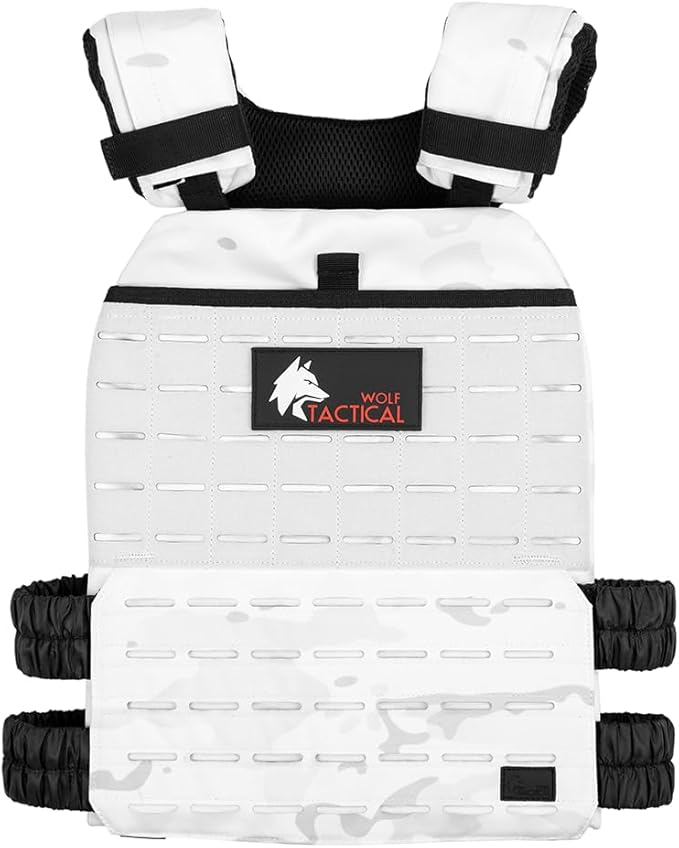
For most people a mid-weight, adjustable vest works best for consistent calorie estimates and comfort. I often recommend a durable vest with modular loading for progressive overload.

Try the Wolf Tactical Adjustable Weighted Vest for beginner-to-intermediate ruckers who want stable loads and easy adjustment.
What counts as useful progress?
A familiar route feeling easier, smoother pacing with the same load, and comfortable recovery can all be meaningful progress without a larger calorie result. Increase one training variable at a time only when the current session is manageable. An app default, gear photograph, or calorie example is not a recommended starting load.
Stop and reassess equipment that causes pain, restricts breathing, or alters your normal walking pattern. For a health condition affecting exercise tolerance or balance, seek individual advice before adding load. Tracking should support a sustainable routine, not pressure you into matching someone else’s numbers.
App links and feature references checked October 7, 2026. See the App Store listing, Google Play listing, and main calculator guide for current details.