Test the tasks you need before losing service
Using a rucking app offline can mean several different things: opening a calculator, recording distance, viewing a map, saving a workout, or transferring it to a health service. Do not assume that because one of these works, every other feature will work without a connection.
Use the current Rucking.Pro app guide and the store listing for your platform. The current listings describe live tracking and calculators, but they do not establish automatic cloud backup, downloaded navigation maps, or conflict-free syncing after every outage. Check the installed version on your own phone before relying on those capabilities.
Separate a manual estimate from a recorded route
A manual calculation can use a distance you already know. It does not need a recorded GPS trail to estimate that session. A live workout instead depends on the device’s available location information and permissions. Neither approach makes its calorie result exact.
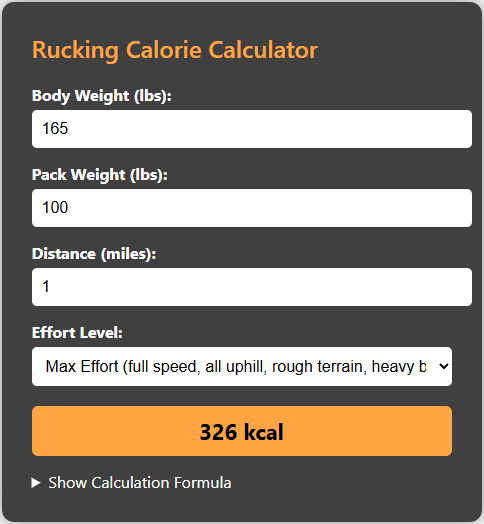
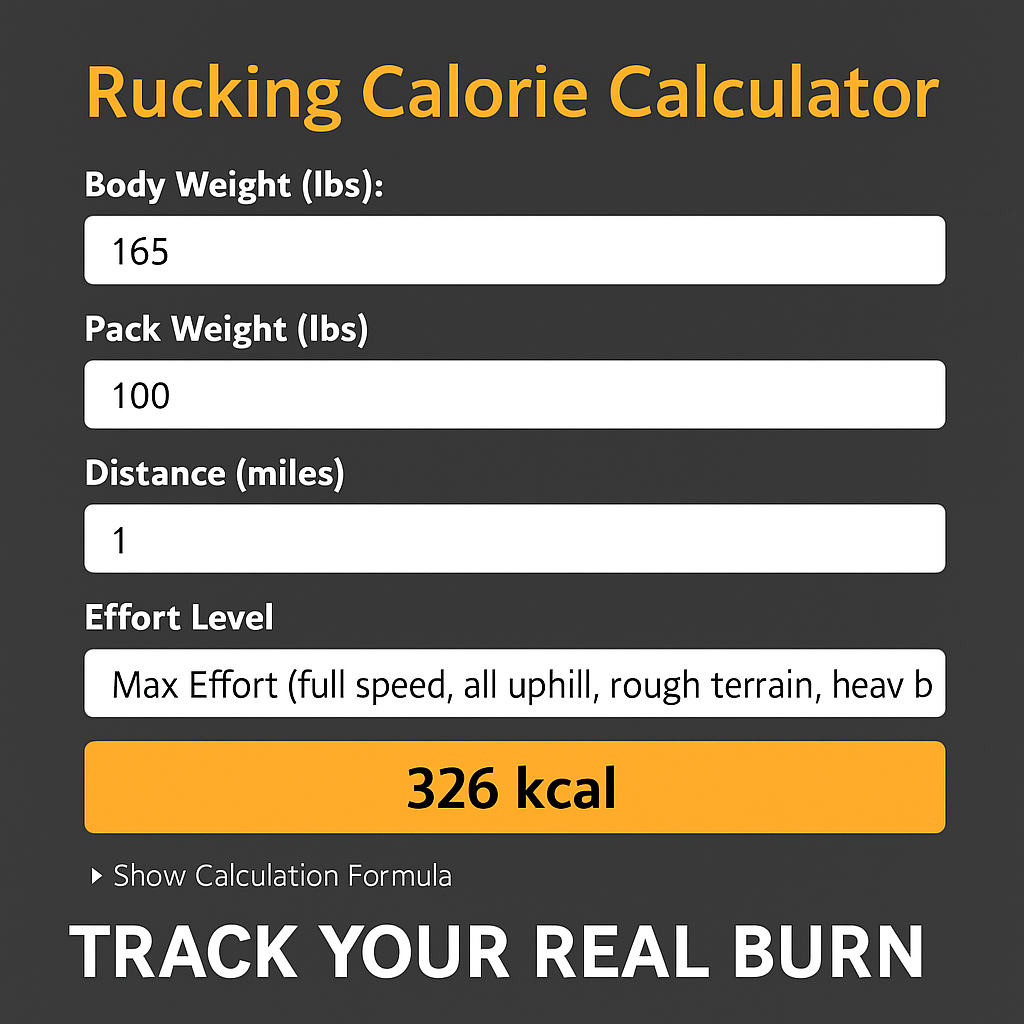
The web calculator on Rucking.Pro is a useful planning tool while you have a connection. Do not assume a browser page will remain fully usable offline just because you opened it once. Record essential route details separately before leaving.
Run a short test near home
- Update the app and review its current instructions while connected.
- Enter body weight and the complete carried load separately, with correct units.
- Confirm the permissions needed for the features you intend to use.
- Try a short, familiar walk under the same connection conditions you expect on the trip.
- Lock the screen briefly, then check whether the session continued as expected.
- Stop the workout and verify what was actually saved before relying on the setup elsewhere.
Keep the test small enough that a tracking failure has no practical consequence. A successful trial provides evidence about that phone and app version; it is not a guarantee for every route, battery state, or setting.
Plan for power and navigation separately
Charge the phone before leaving and consider a suitable backup power source for a longer outing. Review battery-management settings against the app’s instructions. Avoid assuming that every power-saving mode permits the same background activity.
A fitness track is not a complete navigation plan. Have route information and a way to navigate that remains available if the phone or app stops working. Know your turnaround options, expected duration, and how you will get help. Do not make continuing into unfamiliar terrain depend on a calorie counter or an untested map feature.
Choose your platform
Rucking is available for Android, and Rucking Calorie Calculator is available for iPhone. Optional health integrations have separate permission and compatibility requirements. Check the store details and test the specific connection you plan to use.

Download for iPhone · Get Rucking on Google Play · Read the main Rucking.Pro app guide
As an Amazon Associate we earn from qualifying purchases through product links in this article.
Gear to pair with offline training
Reliable gear complements offline tracking. For long endurance rucks consider a hydration pack that carries weight and water efficiently. I recommend the CamelBak Motherlode 100oz Mil Spec Crux Hydration Backpack.

After the test or the trip
- Distance missing: inspect location permissions and the recorded session. Do not invent a distance from the calorie result.
- Workout interrupted: note the part you actually completed and whether a battery or app restriction affected tracking.
- Health record absent: review the relevant integration and permissions. Do not assume an invisible upload is pending or that a cloud copy exists.
- Two copies appear: identify which tools saved the walk before making another manual entry.
When a distance is known independently, you can still calculate a manual estimate and label it as such. Keep that separate from a recorded route so the log does not suggest a complete track exists when it does not.
Final notes
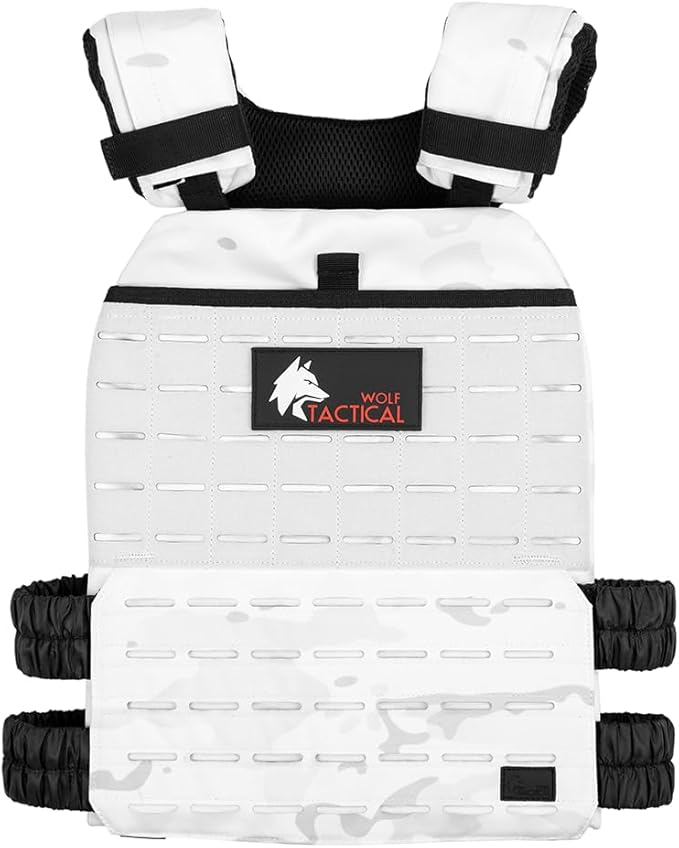
For a vest option already discussed on this site, see the
Wolf Tactical Adjustable Weighted Vest for comfort and modular loading during repeated offline sessions.

Use a manageable load and familiar route for the first offline test. The goal is to understand what your setup reliably records, not to create the most demanding workout. Save essential notes separately and check the completed record before treating it as your only copy.
App links and feature references checked October 7, 2026. See the App Store listing, Google Play listing, and main calculator guide for current details.