Track a ruck without a smartwatch
A known route, a clock, and a record of your load are enough to build a useful rucking log. You can add a calorie estimate afterward with a web calculator. A smartwatch is optional, and doing the arithmetic manually does not make the estimate more or less like a metabolic measurement.
The low-tech goal is simple: know how far you walked, how long it took, what you carried, and how the session felt. Those details remain useful even if you choose not to calculate calories at all.
A notebook workflow
- Choose a known distance. Use a measured path, marked loop, or route whose distance you have checked. Confirm whether the stated distance is one way or round trip.
- Record your load. Include the pack or vest, plates, water, and other contents. Keep body weight separate.
- Note the start and finish times. A basic watch, phone clock, or timer works.
- Calculate average pace if useful. Divide elapsed minutes by miles.
- Add a short note. Record hills, stops, discomfort, or a change from your usual route.
For example, two miles completed in 44 minutes gives an elapsed pace of 22 minutes per mile. If you stopped along the way, that pace includes the stops. Keep that convention consistent rather than silently comparing it with another session’s moving pace.
Add an optional calorie estimate
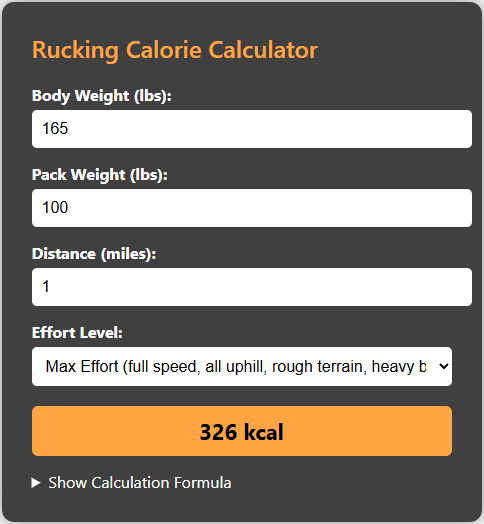
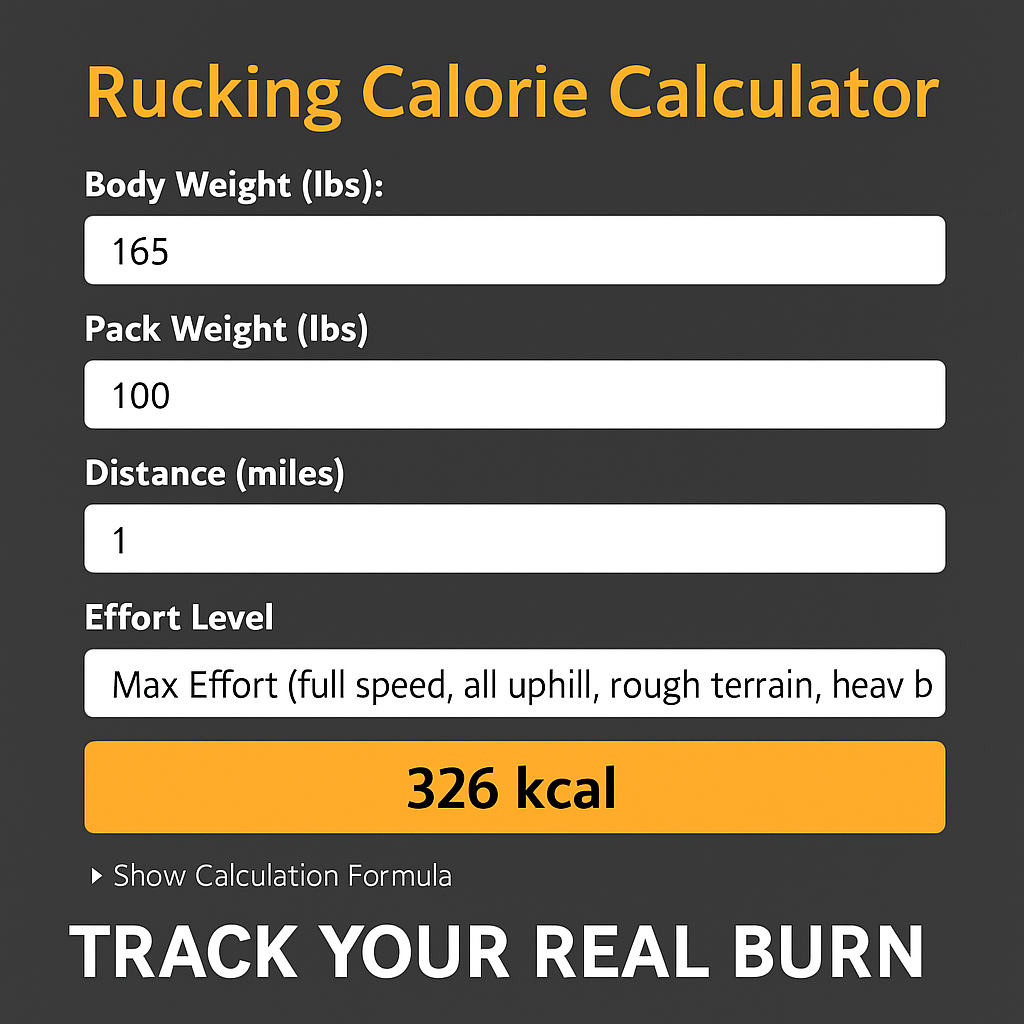
Use the current Rucking.Pro calculator with body weight and carried weight in pounds, distance in miles, an effort preset, and vest or backpack carry type. Convert kilograms to pounds by multiplying by about 2.205; convert kilometers to miles by dividing by about 1.609.
The web formula is miles × (body weight in pounds × 0.57 + carried weight in pounds × 1.23) × effort × carry modifier. Effort presets use 1.0, 1.3, and 1.5; vest uses 1.0 for carry type and backpack uses 1.07.
Exact pace, duration, slope, and heart rate are not direct inputs. Your stopwatch adds useful context to the log, but it does not calibrate the calorie formula. The result includes the model’s walking and added-load components and does not precisely separate active from total calories.
Keep the assumptions with the result
Write the calculator name and settings beside the estimate. If you reuse a per-mile figure, it only reproduces the same model while body weight, load, carry type, and effort settings remain unchanged. Recalculate when those inputs change rather than treating one trial walk as a permanent personal burn rate.
A phone is another option
The Rucking app for iPhone and Android tracks GPS distance, time, pace, and estimated calories using your selected load and carry type. Optional Apple Health or Health Connect access depends on permission and a compatible setup. You can use a phone-based workflow without buying a smartwatch.

Get the iPhone app or get Rucking on Google Play.
As an Amazon Associate we earn from qualifying purchases through product links in this article.
Gear that helps without a smartwatch
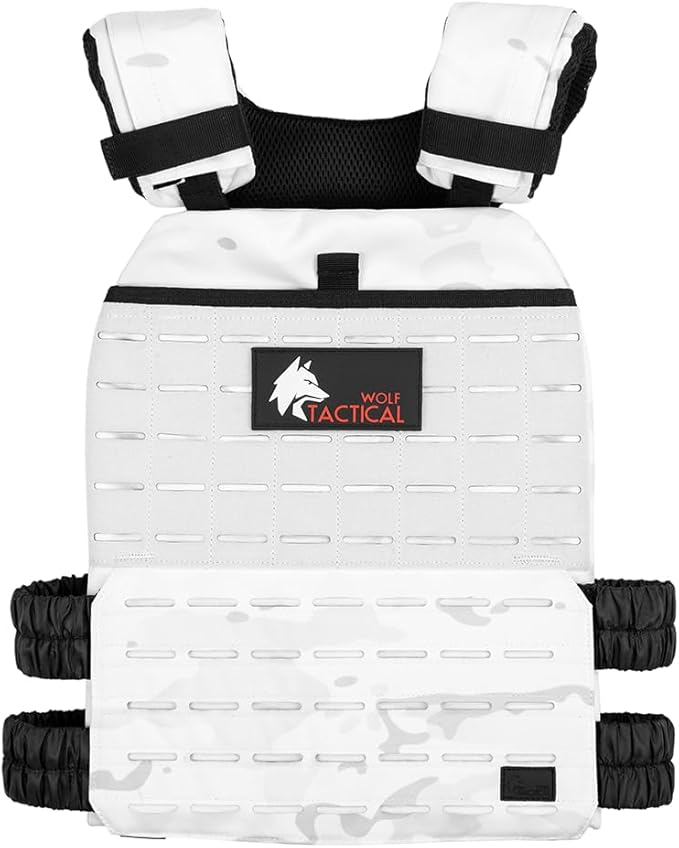
Weighted vests and good ruck packs improve consistency. I recommend a comfortable training vest for beginners and a hydration rucksack for longer efforts.
A reliable choice is the Wolf Tactical Weighted Vest for walking and rucking.

For longer, hydration focused rucks consider the CamelBak Motherlode.

Use effort notes without inventing a multiplier
A simple note such as easy, steady, or unusually hard helps explain the outing. It does not tell you how many extra calories to add for heat, hills, or an uncomfortable pack. Keep those observations separate from the calculated figure.
Repeated walks help you understand your routine, but they cannot establish exact calorie expenditure or promise smartwatch-equivalent accuracy. Averaging estimates does not remove a consistent error in the underlying method.
Make the next walk manageable
Begin with a short, familiar outing and little or no added load if needed. You do not have to complete a one-mile test or carry a percentage of your body weight before starting a log. CDC recommends increasing activity gradually; choose an amount that suits your current capacity.
Review consistency, time, comfort, and recovery before adding distance or weight. A notebook can reveal useful patterns, such as a route repeatedly taking longer than planned, without claiming to predict calorie burn within a precise margin.
Keep the process simple
One line per outing is enough: date, route, distance, elapsed time, load, effort note, and an optional labeled calorie estimate. Check for duplicate activity entries if you also use an app. Use the record to choose repeatable walks rather than turning every calorie figure into a food allowance or a promised weight-loss result.