Plan the hill before adding load
A hills plan should account for the ascent, descent, footing and a safe turnaround. Steeper terrain is a separate challenge from a heavier bag. There is no universal eight-week progression that fits every route or walker.
Establish a route baseline
Inspect the route on a manageable walk before adding unfamiliar load. Note the steep sections, loose ground, exposed areas and places where turning back is awkward. Plan the return as carefully as the climb.
- Route: choose a section you know, with a clear stopping point.
- Setup: secure the load and record the complete pack weight.
- Conditions: check weather, visibility and footing.
- Exit: know how to shorten the outing if the route or your comfort changes.
Change one demand at a time
Record whether a change is a longer route, more climbing, a faster pace or greater load. Avoid adding all four at once. Army foot-march injury-prevention guidance cautions against rapid increases in load or distance. Treat that as a reason to plan progression, not as a civilian training schedule.
Review the descent and recovery
Use a pace that leaves you in control of your steps. If fatigue changes how you walk, shorten the session rather than racing the return. Note discomfort during and after the outing before planning the next demanding walk. Pain or numbness warrants stopping and reassessing.
Keep calorie estimates in perspective
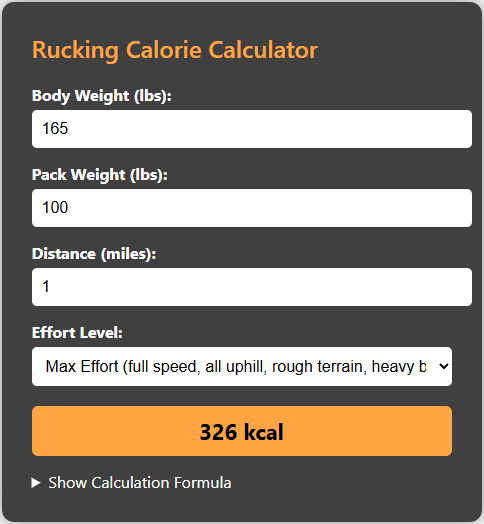
The main calculator does not directly model measured slope or each climb and descent. Its effort options cannot turn a complex trail into a precise energy measurement. Record the route and elevation information separately, and do not use the displayed number to justify a harder session.
Equipment references
As an Amazon Associate we earn from qualifying purchases through product links in this article.
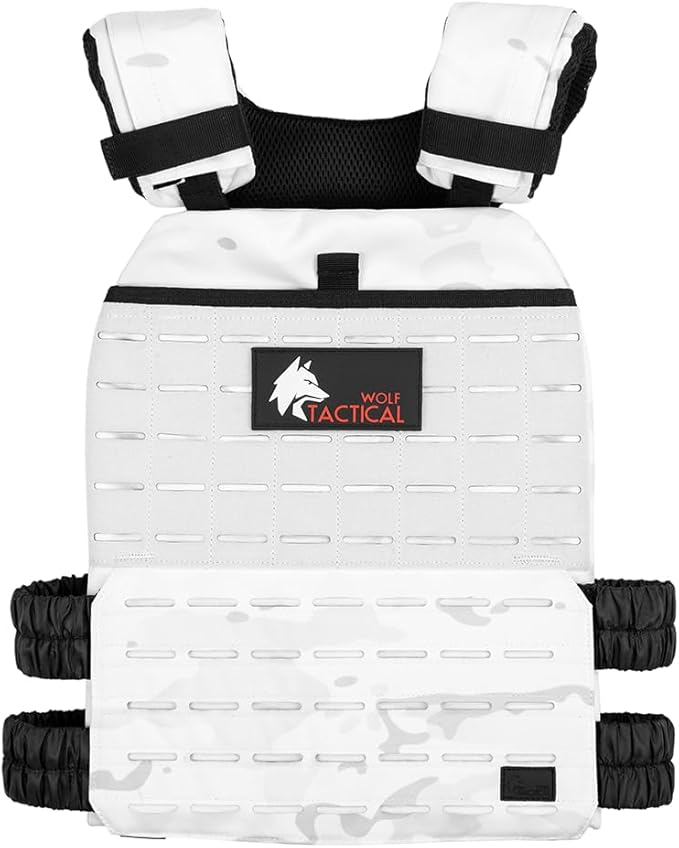
These existing product links are options to inspect, not claims of hands-on testing or guaranteed comfort. Check the current specifications and return terms.


Keep the record with Rucking.Pro
Use the main Rucking.Pro calorie calculator for a planning estimate. See the app guide for current phone options and requirements.