Why fitness tracker rucking calories matter
If you’re rucking with a weighted vest or a loaded pack, your calorie burn isn’t the same as a casual walk. Fitness trackers are useful, but they often under- or over-estimate energy expenditure for load carriage because they rely on heart rate algorithms tuned to running or steady walking without additional weight. This guide explains how to interpret tracker data, improve accuracy, and combine a specialized calculator and the Rucking app for better results.
Common tracker errors with rucking
- Heart-rate based estimates treat effort like standard cardio, not added load.
- Step-count algorithms ignore the extra work of carrying 10–50+ lbs.
- Terrain, pace, and pack fit change energy cost, and many consumer trackers don’t correct for that.
The result: a fitness tracker might report 300 calories for a 60-minute loaded walk when the true burn is 350–500 calories, depending on weight carried and intensity. Instead of discarding your tracker entirely, use it as one input among others.
How to combine a tracker with the Rucking calorie calculator
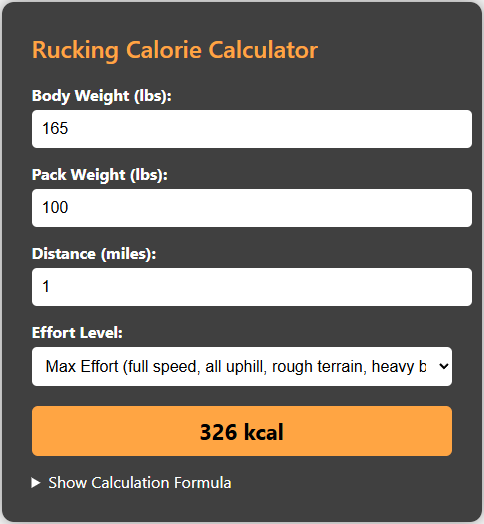
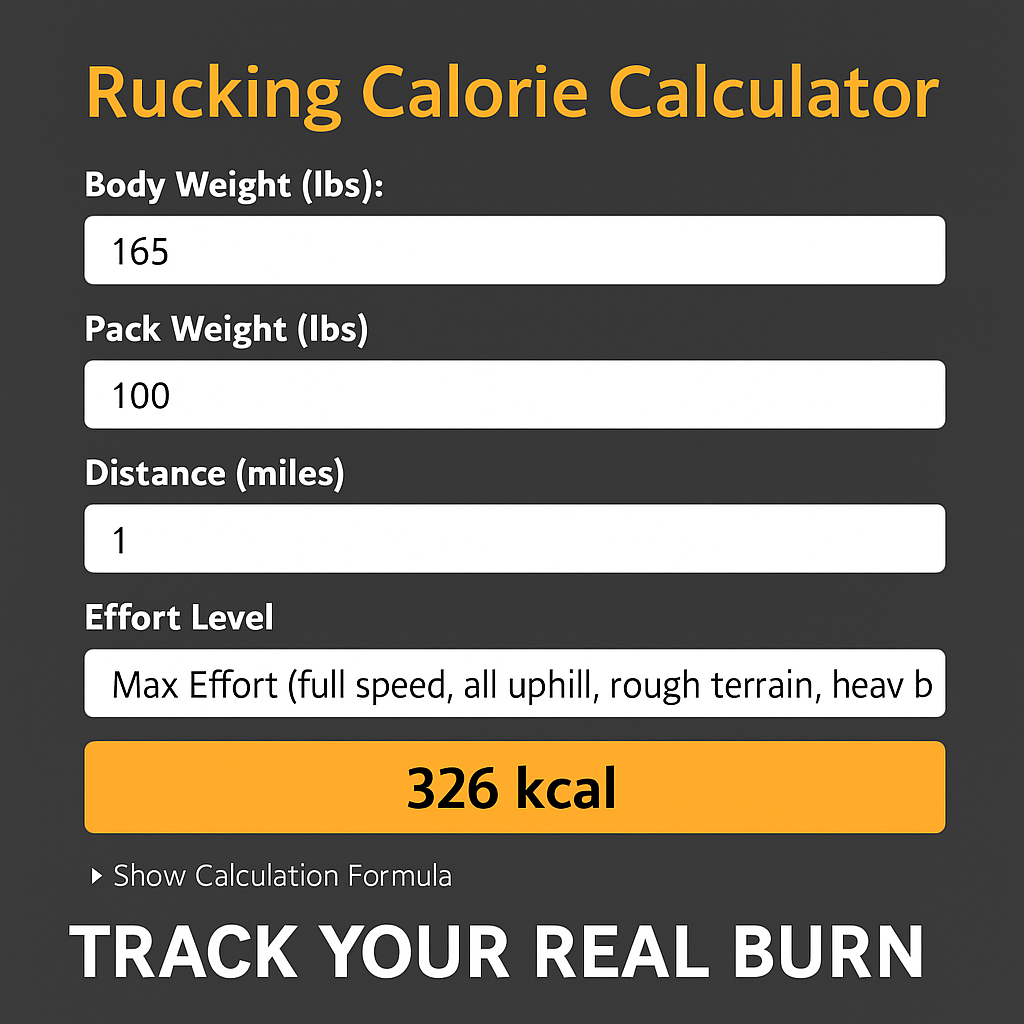
Best practice is to use your tracker to monitor heart rate zones and relative intensity while using a rucking-specific calculator for an estimated caloric total. The Rucking.Pro calorie calculator is built for weighted vest and backpack rucking and compensates for load, pace, and bodyweight.

Use the calculator to get a baseline calorie estimate, then compare it to your watch. If your tracker reads substantially lower but your heart rate is elevated and perceived exertion matches the calculator, trust the calculator for daily totals and use the tracker for training zones, intervals, and recovery.
Step-by-step workflow
- Before the ruck: record bodyweight, load weight, planned distance and pace.
- Run the Rucking calorie calculator linked above to get an estimated burn.
- Start your fitness tracker to monitor heart rate and time. Use the tracker for interval guidance and HR zone feedback.
- After your ruck: reconcile numbers. If tracker calories are 10–20% lower consistently, bias toward the calculator when logging total daily energy expenditure.
Why the Rucking app helps
For Android users you can install the Rucking app on Google Play. It tracks calories specifically for rucking and weighted-vest workouts, integrates a weight loss calculator, and links to gear and discounts. Use the app to log consistent sessions and to compare watch data against a rucking-specific model.

Practical tips in the field
- Fit matters: a poorly fitted vest shifts and increases effort; adjust straps and load placement.
- Hydrate and fuel based on perceived effort and calculator totals for longer rucks.
- Use a tracker for HR variability and recovery; don’t rely on it alone for calorie budgeting.
Recommended gear to improve measurement and comfort
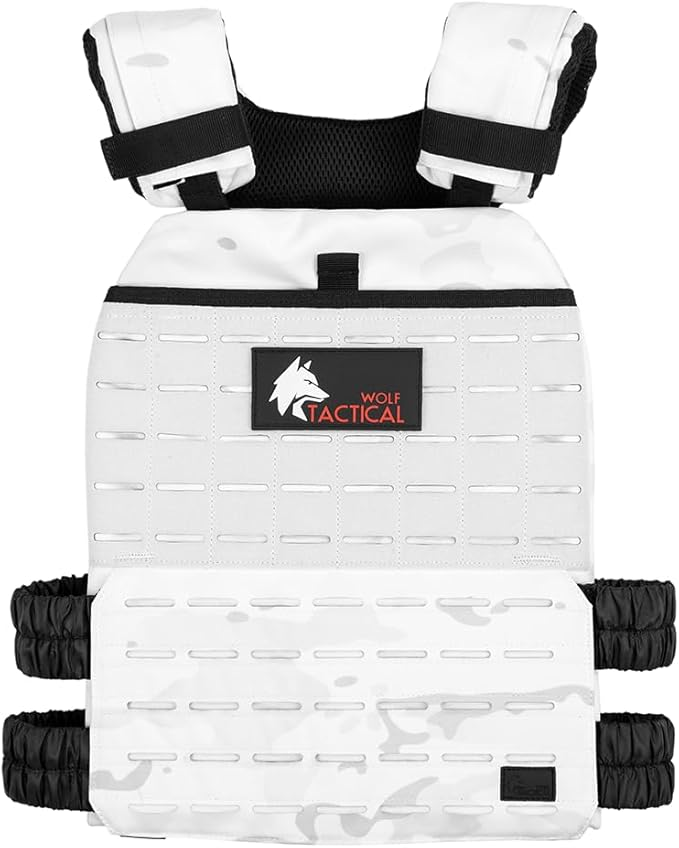
For most people a mid-weight, adjustable vest works best for consistent calorie estimates and comfort. I often recommend a durable vest with modular loading for progressive overload.

Try the Wolf Tactical Adjustable Weighted Vest for beginner-to-intermediate ruckers who want stable loads and easy adjustment.
A final note on tracking accuracy
Over weeks, prioritize consistency: use the same vest or pack, the same tracker, and the same calculator method to create reliable trends. If you’re pursuing weight loss or performance goals, log calculated rucking calories from the Rucking calorie calculator and use your fitness tracker to manage intensity and recovery. That combination gives you the best practical accuracy in the field.
Train smart, keep the load progressive and safe, and use tools designed for rucking rather than generic cardio assumptions.