Using the rucking app offline for reliable calorie tracking
I write about practical rucking tools and how to make them work when you are off the grid. An app that functions offline changes how you plan outdoor rucks, long walks, and weighted-vest sessions. This post explains how offline mode works, what data the rucking app stores, how to sync later, and how to use the included calculators and gear guidance to stay accurate without constant connectivity.
Why offline capability matters
Outdoor training often takes place where cellular coverage is limited. Offline capability ensures the app continues to log pace, distance, load, and estimated calorie burn even when you lose signal. That matters because consistent tracking is how you measure progress, prevent overtraining, and plan progressive overload with a weighted vest or rucksack.
What the rucking app stores locally
The rucking app caches core workout data on your device. While offline it records timestamps, GPS breadcrumbs when available, step counts from sensors, estimated calories using your input weight and vest load, and notes you add during the activity. When you reconnect the app syncs that local data to cloud storage so nothing is lost.
Best practices for offline rucking
- Preload your route where possible so the map tiles are available during the ruck.
- Enter accurate personal data and vest weight before starting to get valid calorie estimates.
- Keep the phone in an easily accessible pocket to let the accelerometer and GPS sensors work reliably.
- Finish and save each session before the battery drops critical; power loss can interrupt local saves.
Using offline mode with the rucking calorie calculator
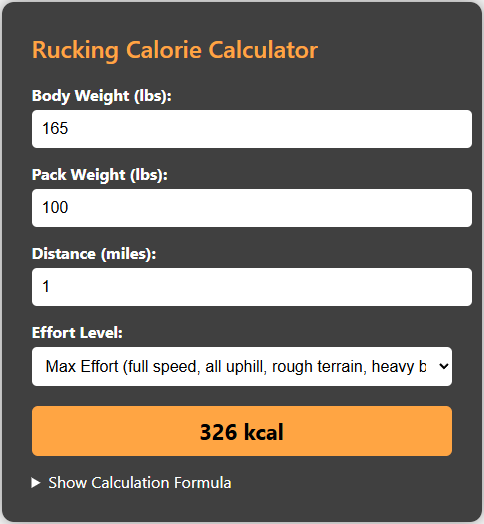
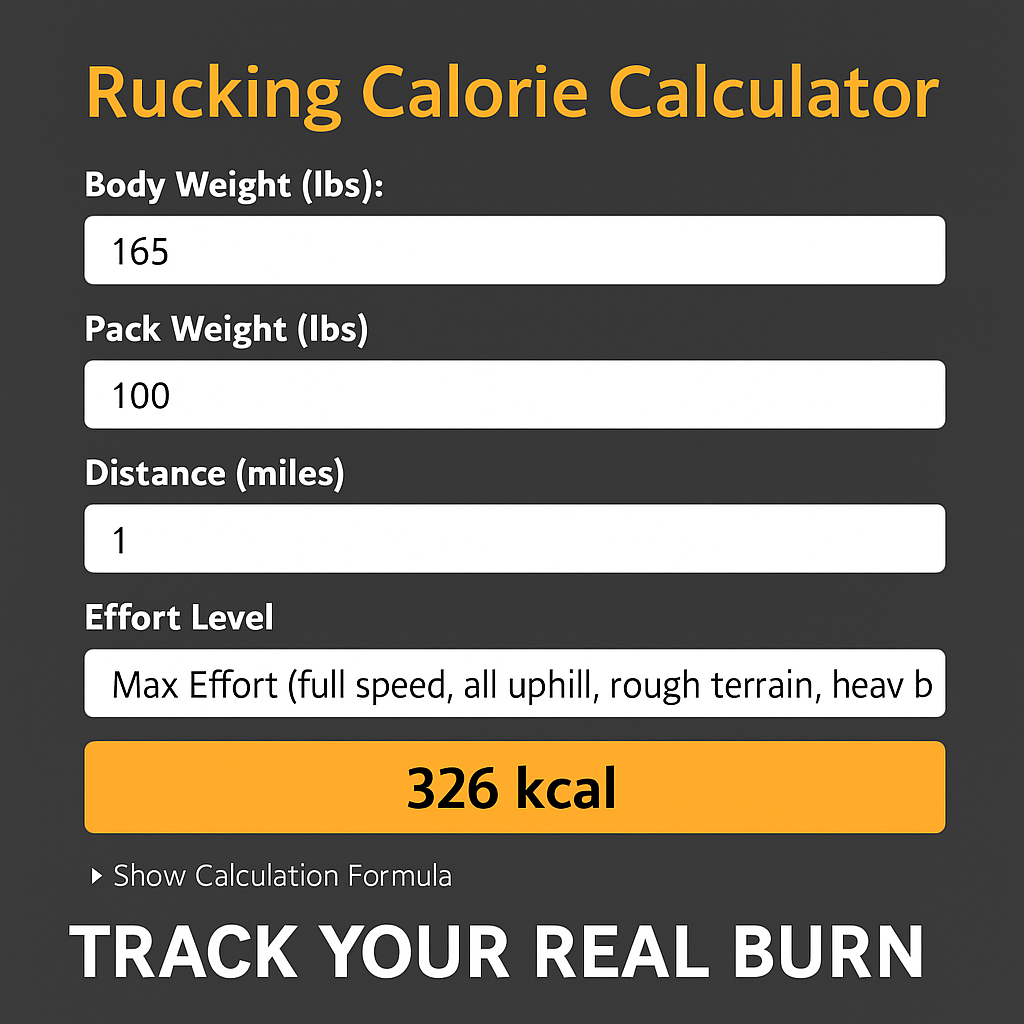
For planning and post-ruck validation use the rucking calorie calculator. It is the calculator I recommend for most users doing weighted rucks or training in a vest. Tap the screenshot below to open the calculator and test estimated burn for your planned load and distance. The calculator helps you pick realistic daily or weekly targets when you combine timed walks, interval rucks, and recovery days.

How offline estimates differ from live tracking
Offline tracking is accurate for most steady-state rucks. The app uses the sensors available to estimate distance and speed, then applies MET-based formulas adjusted by your load. Live tracking with constant GPS and a heart rate monitor increases precision, especially on variable terrain or technical routes. If you train offline regularly, consider adding a chest strap or wrist HR monitor that stores data locally so it can sync later.
Syncing and data integrity
When you reconnect, open the app while on Wi‑Fi or a reliable cellular connection to let completed sessions upload. The app flags any conflicts and preserves both local and cloud copies until you confirm a merge. Regular syncing prevents gaps in long-term logs and keeps calorie totals accurate for weight loss or maintenance plans.
Using the rucking app from Google Play
The rucking app is available now on Google Play and includes offline logging plus a built-in weight loss calculator and links to vetted gear and discounts. Tap the image to install and learn how the app tracks calories while you ruck or train in a weighted vest.

Gear to pair with offline training
Reliable gear complements offline tracking. For long endurance rucks consider a hydration pack that carries weight and water efficiently. I recommend the CamelBak Motherlode 100oz Mil Spec Crux Hydration Backpack.

Troubleshooting common offline issues
- No map tiles: preload routes or save offline maps ahead of time.
- Missing calories: ensure your body weight and vest load are entered before you start.
- Session not syncing: open the app after reconnecting and allow background data transfer.
Final notes
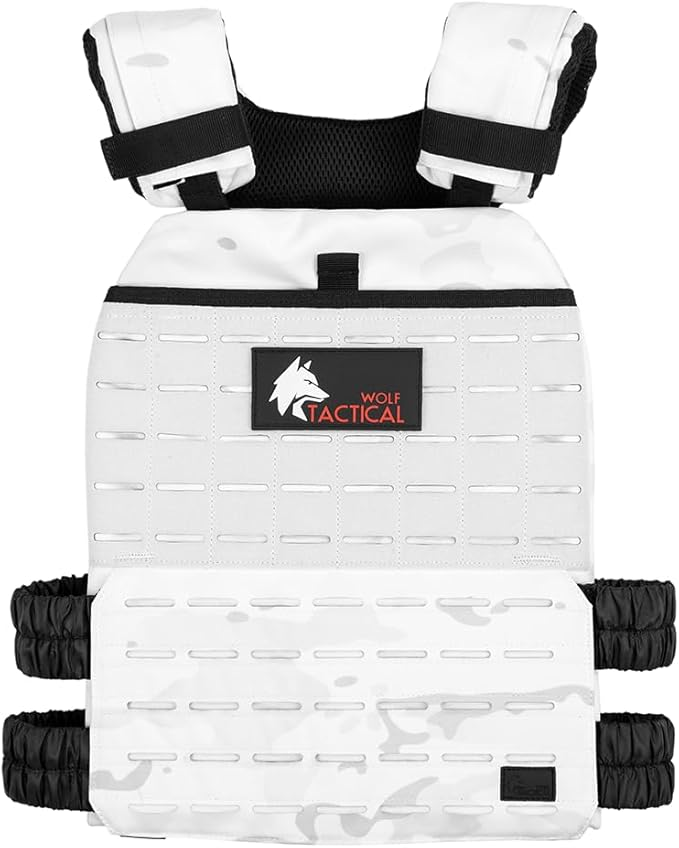
Offline functionality makes the rucking app a reliable training partner for remote routes, early morning fields, and long trail marches. Use the calculator to plan intensity, preload routes if you need maps, and pair the app with durable gear for consistent progress. If you want a simple vest that works well for walks and rucks, consider the Wolf Tactical Adjustable Weighted Vest for comfort and modular loading during repeated offline sessions.

If you prefer coach‑style guidance, the app’s logs let you review week-to-week training volume and adjust vest weight or mileage conservatively to avoid injury. Use the calorie calculator before a multi-day plan so you set realistic intake targets. The app also links to vetted gear and discounts inside the store so you can replace components after heavy use. I use these tools myself in field training because predictable, recorded workload is how you progress without chasing numbers or risking burnout.
Download and train smart with offline confidence today.