Rucking calculator app — track calories and weight loss on the trail
Rucking with a weighted vest or loaded pack changes the math of calorie burn. The rucking calculator app described here gives you a tool to track that work on the go, compare sessions, and plan progress toward weight loss and strength goals. This article explains what the app does, how it differs from a generic fitness tracker, how to use the calculator built into rucking.pro, and practical advice for getting reliable numbers from your outdoor rucks.
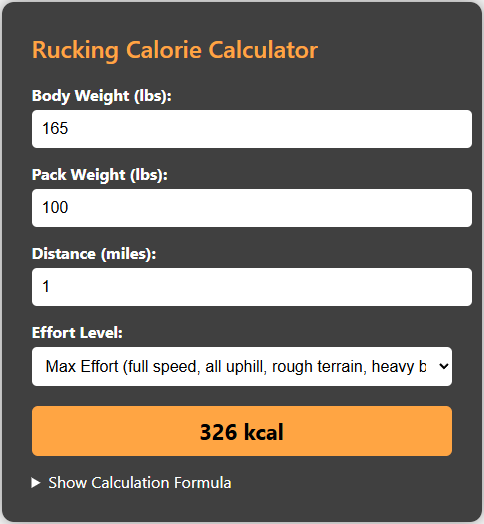
The app on Google Play is designed for ruckers who need accurate calorie estimates when wearing a weighted vest or carrying a rucksack. It asks for body weight, load weight, walking speed, distance, and terrain, and then applies a rigorously built formula that reflects added metabolic cost from external load. The app also links directly to a rucking-specific calorie calculator on rucking.pro so you can check numbers on desktop or share screenshots from a phone.
Start a session by tapping the rucking app, enter your live weight and the weight of your vest or pack, then select walking pace. The app records distance and duration and provides a session calorie estimate you can use for daily energy budgeting. Unlike step-only trackers, the rucking calculator app factors external mass and movement speed, which is essential if you are using a weighted vest to burn fat or preserve muscle during a diet.
Why the app and calculator matter
Carrying load alters energy cost linearly and sometimes nonlinearly depending on terrain and incline. Ruck training places a steady oxidative demand on the body while allowing you to carry meaningful load for progressive overload. When you track these sessions consistently you can estimate weekly and monthly energy expenditure and adjust nutrition. That’s what the app and the rucking.pro calculator aim to make simple.
How to use the rucking.pro calculator with the app
- Open the app and enter weight, load, and distance for a quick session readout.
- Tap the calculator link in the app to view the same session on rucking.pro for deeper analysis.
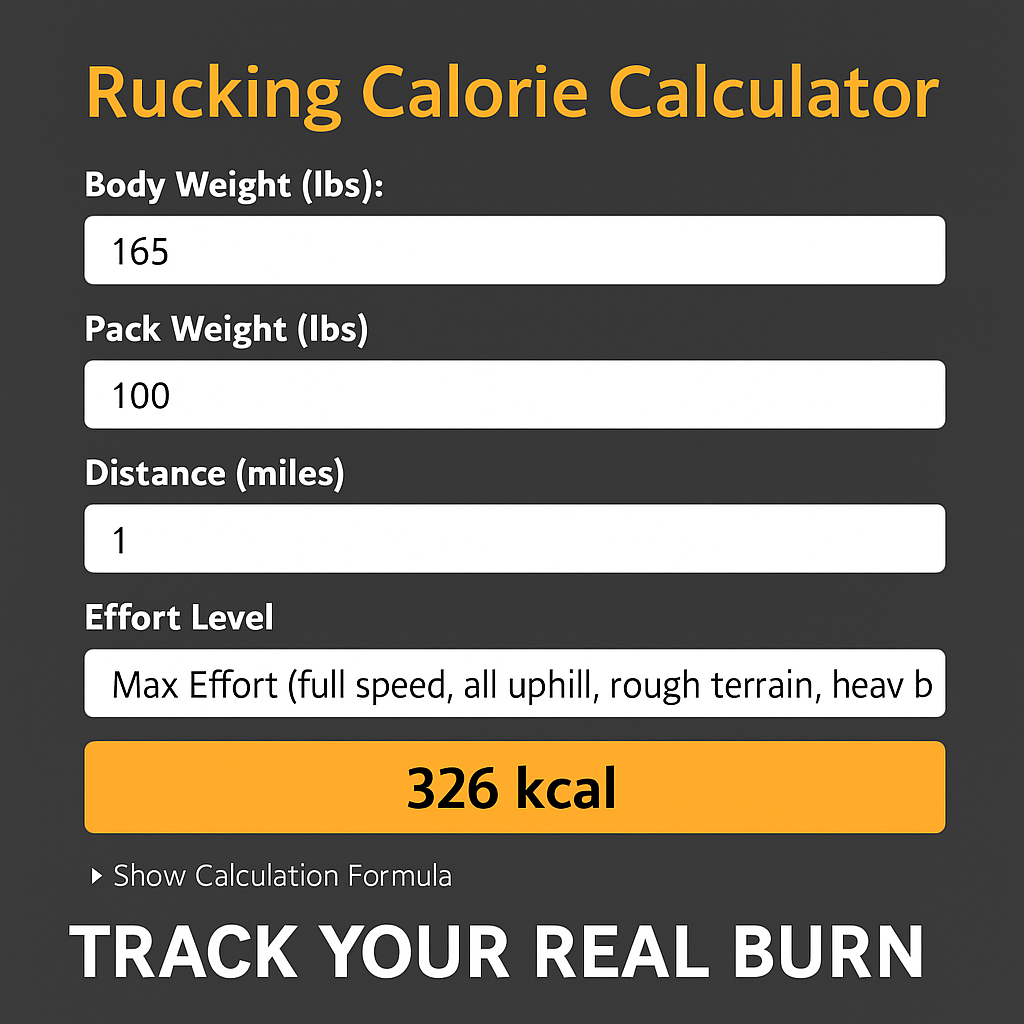
- Use the screenshot link below when you want a larger view or to save a session number for planning.

The app and the online tool are particularly useful when you run a weight-loss program that includes rucking. Use a conservative calorie estimate from the calculator when planning a deficit so you do not underfuel for recovery. The mobile app also stores sessions so you can average daily burn across weeks and detect trends when you increase load, pace, or frequency.
Practical tips for more reliable numbers
- Weigh your vest or load with a scale and enter the real number rather than a guessed round number.
- Record pace by distance and time instead of relying only on perceived effort.
- Adjust for terrain: soft sand, steep hills, and uneven trails increase energy cost beyond flat pavement numbers.
- Use the app consistently so your baseline and progression are comparable.
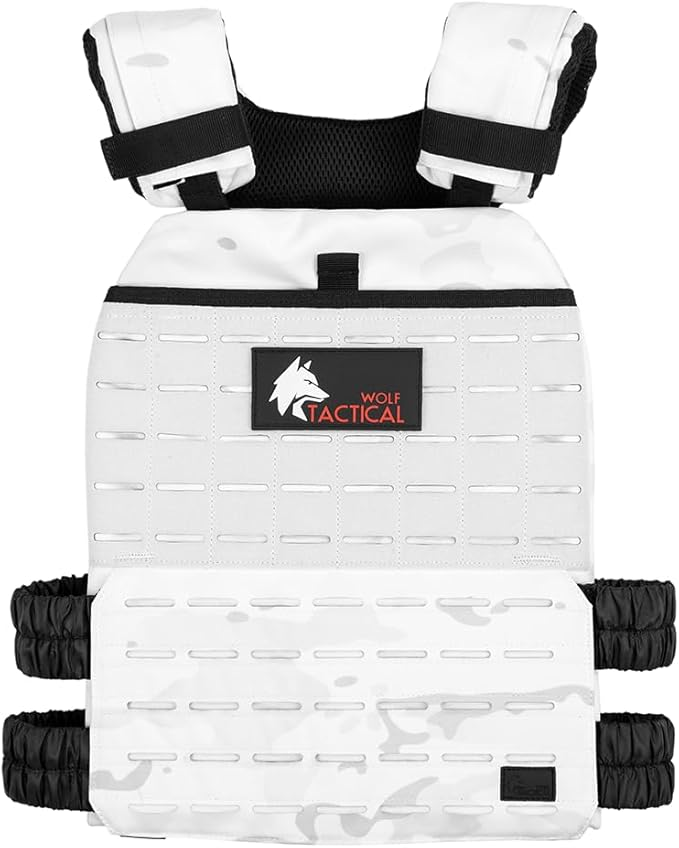
If you prefer a traditional weighted vest for comfort during longer walks consider the Wolf Tactical Adjustable Weighted Vest. It is beginner friendly, distributes load well, and works for both walking and strength work. Compare sizes before buying and read reviews.

Also remember hydration matters on long loaded walks. If you use a rucksack or hydration pack, the CamelBak Motherlode 100oz Mil Spec Crux Hydration Backpack works well to combine fluid and weight carriage. The app can help you estimate caloric burn with different pack weights so you can plan hydration and nutrition accordingly.

Install the app on Android devices from Google Play to get the tracker, calculators, and links to gear and discounts. The app lets you track how many calories you burn while rucking or using a weighted vest, offers a weight loss calculator tailored for rucking, and ties to gear recommendations. Tap the image below to open Google Play.

Final guidance
Use the rucking calculator app as a decision tool, not an absolute truth. Treat estimates as a useful baseline for nutrition and recovery planning. Combine consistent tracking, practical load progression, and honest reporting of effort and you will get trustworthy trends that improve training and weight management outdoors.
Quick checklist: log vest weight, record distance and terrain notes, compare similar sessions weekly, and use both the mobile app and the online calculator for cross check. The calculator screenshot above is a quick visual reference when you need a desktop breakdown. For heavy ruck sessions or long distances consider swapping to a ruck plate carrier or hydration rucksack, and always check that your shoulder straps and hip belt are properly adjusted before long efforts. Compare sizes before buying and read reviews.