A 20 lb pack can make a familiar walk more demanding, but it does not come with a fixed calorie bonus. Your body size, route, speed and time matter, and a calorie calculator supplies an estimate rather than a measurement. Twenty pounds is also a description of the example below, not a required starting weight.
A worked 20 lb backpack example
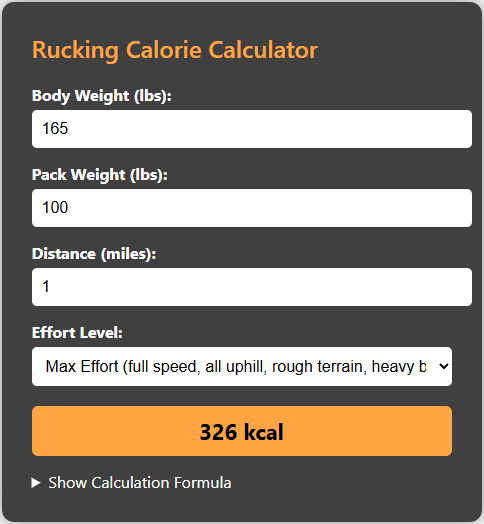
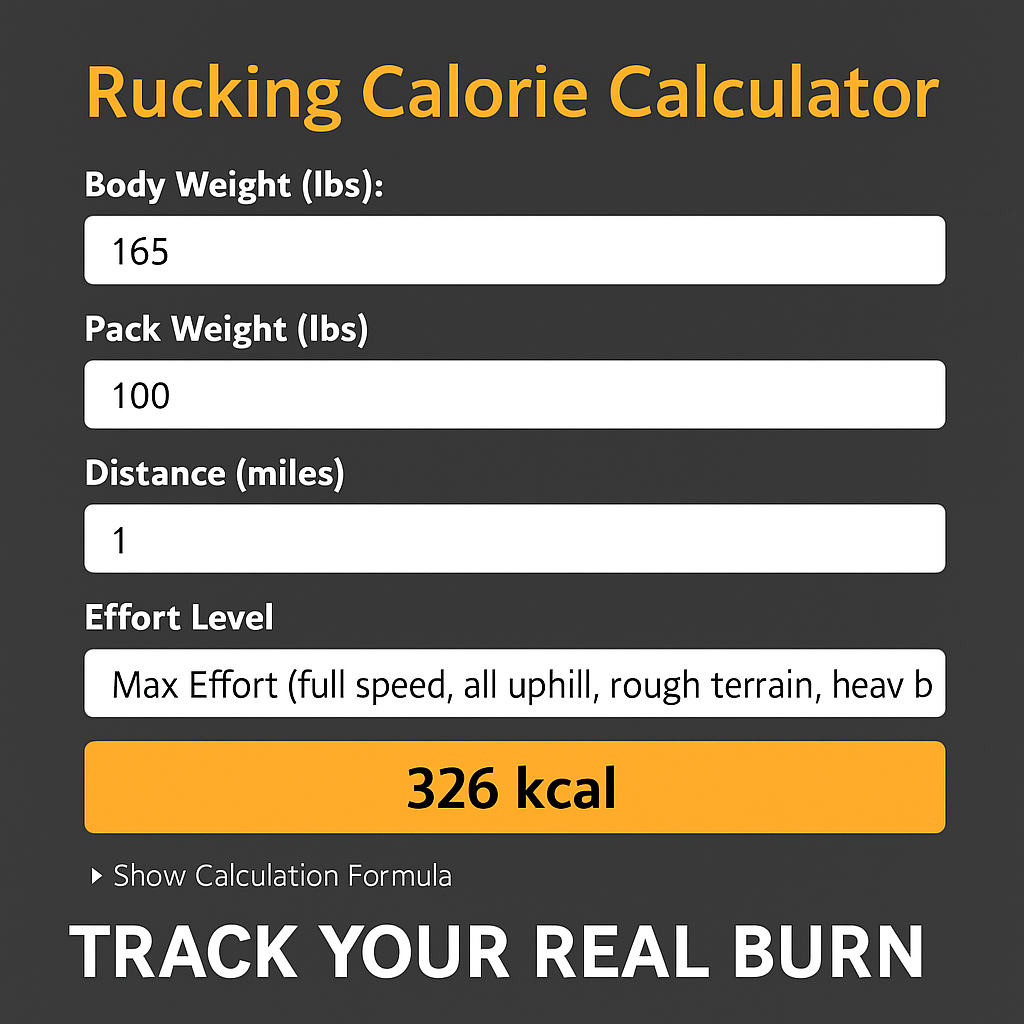
For a 180 lb person walking 3 miles with a complete 20 lb backpack, the rucking calorie calculator returns approximately 408 calories with Backpack and normal effort selected. This is the output of the site’s simplified distance-based formula, not a laboratory-tested result for that person.
- 1 mile with those settings: about 136 calories.
- 2 miles: about 272 calories.
- 3 miles: about 408 calories.
The linear increase reflects how this particular tool handles distance. Real walking conditions can change along a route. Do not turn the three-mile example into a universal hourly claim: three miles may take one person an hour and another substantially longer.
How much of that comes from the pack?
Keeping the same body weight, distance and Backpack setting but changing carried weight to zero produces about 329 calories. The modeled difference is therefore about 79 calories over three miles. The 408-calorie estimate is not 408 extra calories on top of an ordinary walk.
That comparison holds the tool’s settings constant; it does not establish a physiological percentage increase for everyone. It is useful for understanding the scale of the calculator’s prediction, especially if you are deciding whether more load is worth the added discomfort.
Weigh the whole backpack
A 20 lb plate inside a backpack creates a load heavier than 20 lb. Include the bag, water, food and anything else you carry. One practical method is to weigh yourself holding the ready-to-go pack, then subtract your weight without it. A luggage scale is another option.
Keep the same definition in your workout log. If Monday’s entry means plate weight and Friday’s means complete pack weight, the comparison is misleading. For a long outing, note that drinking water changes the carried load; ordinary fitness tracking does not need a minute-by-minute recalculation.
Is 20 lb a suitable load for you?
There is no universal beginner pack. Someone comfortable with unloaded walking may still find 20 lb changes their stride or creates pressure points. Begin with a familiar, flat route and a lighter load when needed. The useful first question is whether you can walk normally and finish comfortably, rather than whether the calorie estimate is high enough.
HPRC’s load-carriage guidance cautions that increasing load too quickly or rucking too often can contribute to overuse injuries. Hold your setup steady while you learn how you respond, and change only one major variable at a time. Repeating an easy outing is a valid choice.
Make a fair comparison between workouts
- Use the same route and complete pack weight.
- Record actual distance and time, including whether your time includes stops.
- Note hills, weather and how hard the walk felt.
- Check foot, shoulder and back comfort afterward and the following day.
A faster time at similar effort, fewer stops or better comfort can be progress even when the displayed calories barely change. If you track through multiple apps, avoid saving the same workout twice into a daily activity total.
Common questions
Can I use a watch to verify the number?
A second estimate is a comparison, not a metabolic test. Watches and calculators can use different inputs. Research comparing walking equations in the field found that predicted energy use depended on the equation selected. Similar-looking numbers do not establish personal accuracy.
Should I eat back the estimated calories?
Do not automatically add the entire figure to a food allowance, particularly if your normal activity is already included. Use your overall eating pattern, recovery and longer-term goals to guide decisions. Stop the walk if the pack causes pain, numbness or an altered gait; a calorie target is never a reason to push through those signs.
Compare equipment fit before buying
As an Amazon Associate we earn from qualifying purchases through product links in this article.
These equipment links are options to compare, not a claim of hands-on testing or a recommendation to add more weight. Check the current model, sizing, permitted loading, and return terms. A carrier’s capacity does not establish a suitable walking load.
Compare the GORUCK Rucker 4.0 20L with the equipment you already use, focusing on fit, access, and comfort rather than a calorie target.

Compare the CamelBak Motherlode with the equipment you already use, focusing on fit, access, and comfort rather than a calorie target.

Keep a useful record with Rucking.Pro
Use the main Rucking.Pro calorie calculator for a planning estimate, and keep the result labeled as an estimate. It cannot choose a safe training load or tell you what an individual session will do to your bodyweight. Record route, time, complete carried weight, and how the outing felt alongside any calorie number.

Visit the Rucking.Pro app guide for the current phone options. Check the relevant store listing for platform features and requirements.