Keep your body weight and carried weight separate
Apple Watch uses personal information and sensor data to estimate activity. A loaded backpack adds a training detail worth recording separately. Do not change your Health body weight to body weight plus pack weight: the pack is equipment, and that false body-weight entry can affect other health and activity calculations.
A rucking-specific app gives you a place to enter carried load. That does not prove the watch always undercounts, or that another calculator is exact. Heart rate can respond to the extra effort even when a generic workout has no separate pack-weight field.
Check the basics before comparing calorie numbers
Apple recommends current personal details, appropriate watch fit, the workout type that best matches your activity, and calibration. Follow Apple’s measurement guidance instead of trying to fix every unexpected result with a calorie multiplier. Sensor gaps and incorrect distance are different problems from an unknown load.
- Keep your actual body weight current.
- Wear the watch securely with reliable skin contact.
- Use a consistent workout type for comparable loaded walks.
- Check distance and the recorded start and finish times.
Record the complete load
Weigh the entire vest or pack, including the carrier and what is inside it. A backpack can weigh substantially more than its plate after adding water, clothing, and trail essentials. Note your starting load if it will change as you drink. Use the same method each time so an apparent training change is not just a different weighing convention.
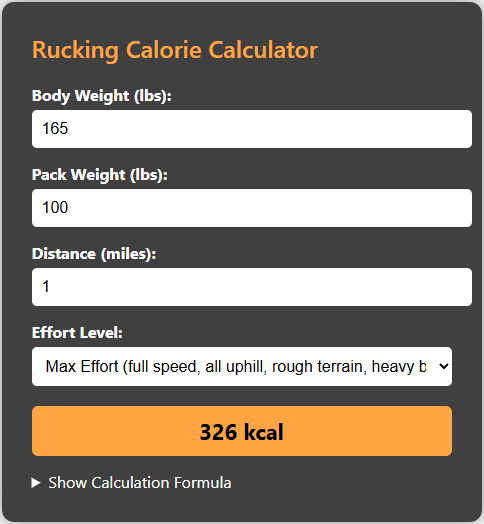
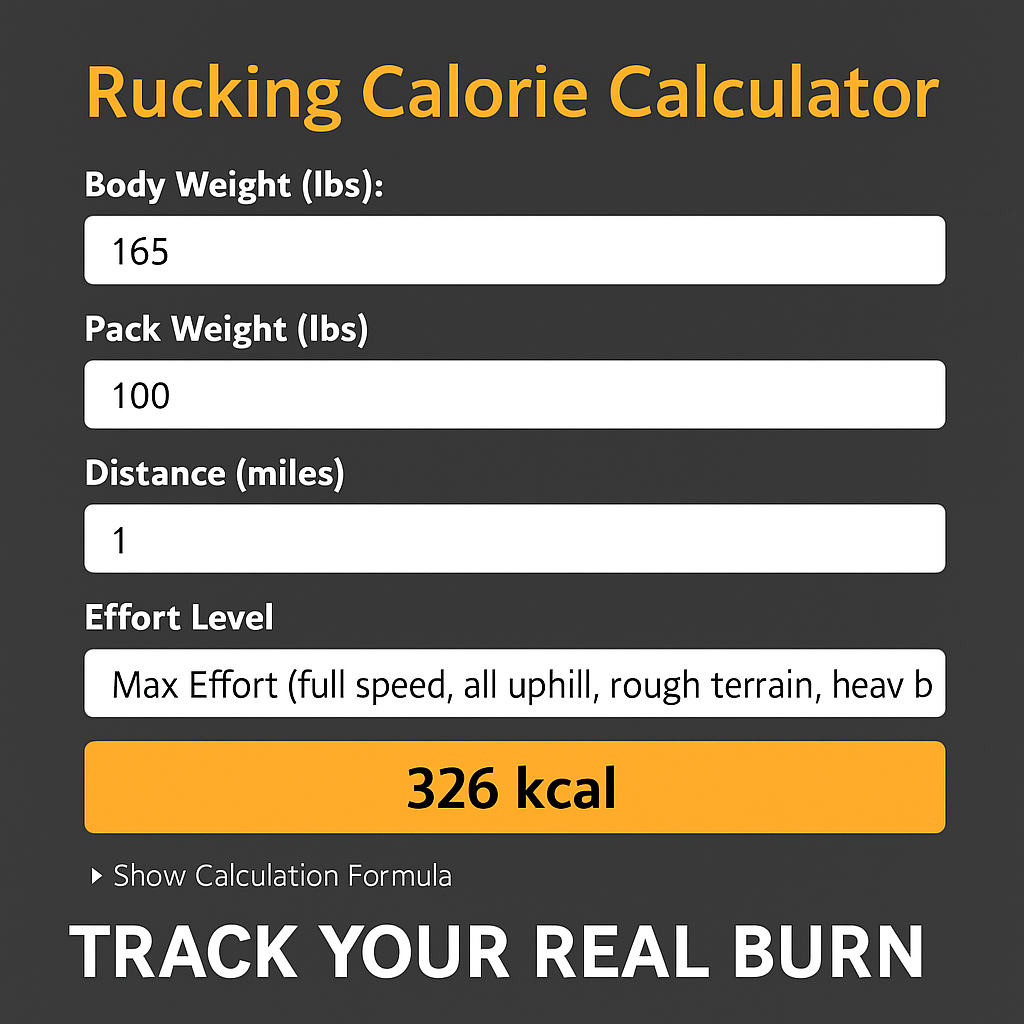
For a planning estimate, open the Rucking.Pro weighted-vest and backpack calculator. Its current web inputs are body weight, carried weight, miles, broad effort, and carry type. Exact speed, time, slope, and heart rate are not direct inputs to that web formula. The output includes walking plus modeled load cost; it is not a bonus to add to the watch’s complete workout total.
Use the current iPhone or Android app
Both store listings describe tracking distance, elapsed time, pace, and estimated calories with carried-load settings. The iPhone listing also describes an Apple Watch companion; keep the paired iPhone with you for connected GPS and workout controls. Review the main app guide for setup.

Download for iPhone · Get Rucking on Google Play · Read the main Rucking.Pro app guide
Compare estimates without inventing a correction
Save the watch and calculator numbers in separate columns if you want to compare them. Label whether a number is active calories, total workout calories, or the calculator’s session estimate. Different definitions can explain part of a mismatch. A repeatable difference is evidence that the methods differ, not proof that either one measured your metabolism correctly.
Do not add the full calculator result to the watch result, and do not automatically add a modeled load difference either. The watch may already reflect some of the extra effort through its sensors. Choose one consistent accounting method and keep comparison figures as notes.
As an Amazon Associate we earn from qualifying purchases through product links in this article.
Gear note: choose the right vest for consistent tracking
Consistent equipment helps make estimates reliable. If you use a layered, adjustable vest you can keep loads consistent across sessions and reduce variability between watch readings and calculator outputs.

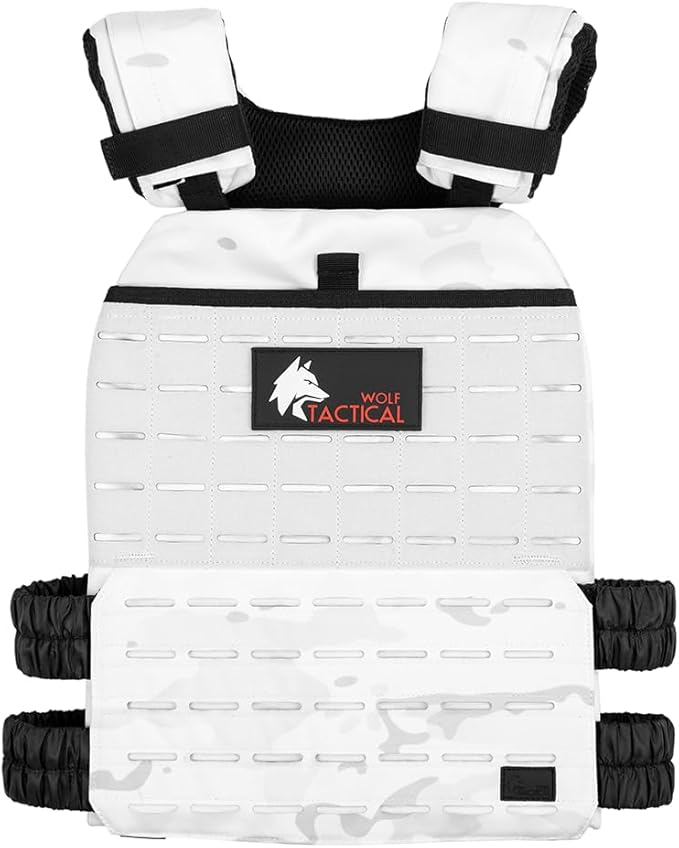
Use the inline link for product pages when shopping: WOLF TACTICAL Simple Weighted Vest.
Before the next ruck
- Check body-weight units and weigh the loaded equipment.
- Choose a manageable route and load you can carry while walking normally.
- Start the intended recording method and check it briefly after setting off.
- At the finish, review distance, elapsed time, and any obvious sensor gaps.
- If more than one app can write to your health record, check for duplicate workouts before saving another copy.
Judge progress with more than estimated calories: steadier pacing, a familiar route feeling easier, comfortable equipment, and good recovery are useful signals. A difficult-feeling walk does not by itself justify increasing the calorie total. Keep terrain and effort notes so future comparisons have context.
App links and feature references checked October 7, 2026. See the App Store listing, Google Play listing, and main calculator guide for current details.