Why your Apple Watch doesn’t count pack weight — and what to do about it
The Apple Watch estimates calories and activity using heart rate, motion, and your personal profile, but it does not add your external pack weight into those calculations. That omission matters when you ruck, hike, or wear a weighted vest: carrying extra load raises energy cost and changes intensity without changing raw heart rate signals the same way. This article explains why the watch behaves this way, how to adjust your training tracking, and practical fixes you can use today.
How wearables estimate effort
Most consumer wearables model calorie burn by combining accelerometer data, heart rate, and user inputs like age, weight, and height. They rarely accept a live ‘load’ input. For reliability companies favor simpler models over adding explicit external weights because sensor noise and diversity of activities make weight inputs complicated to validate. The Apple Watch lacks a setting to add pack weight for outdoor walks or rucks, so the device underestimates the true metabolic cost of load carriage.
Practical steps to improve your tracking
There are reliable ways to account for pack or vest weight outside the Apple Watch ecosystem. Use external calculators and logs, and correct your training records so you don’t under-value hard ruck sessions.
- Use a rucking-specific calorie calculator to estimate added burn from load.
- Log pack weight and distance in your workout notes so you have a record of true training stress.
- Consider an app that supports weight inputs for rucking and weighted-vest sessions.
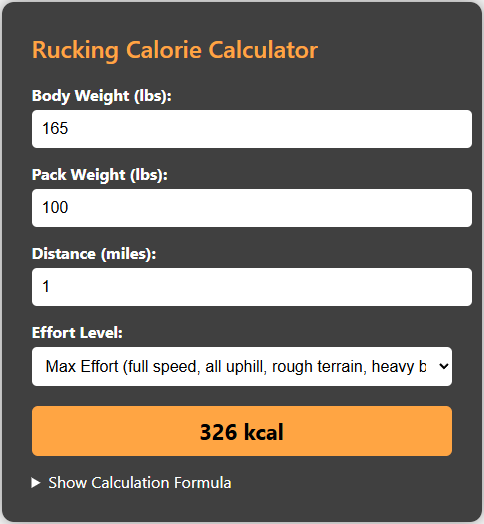
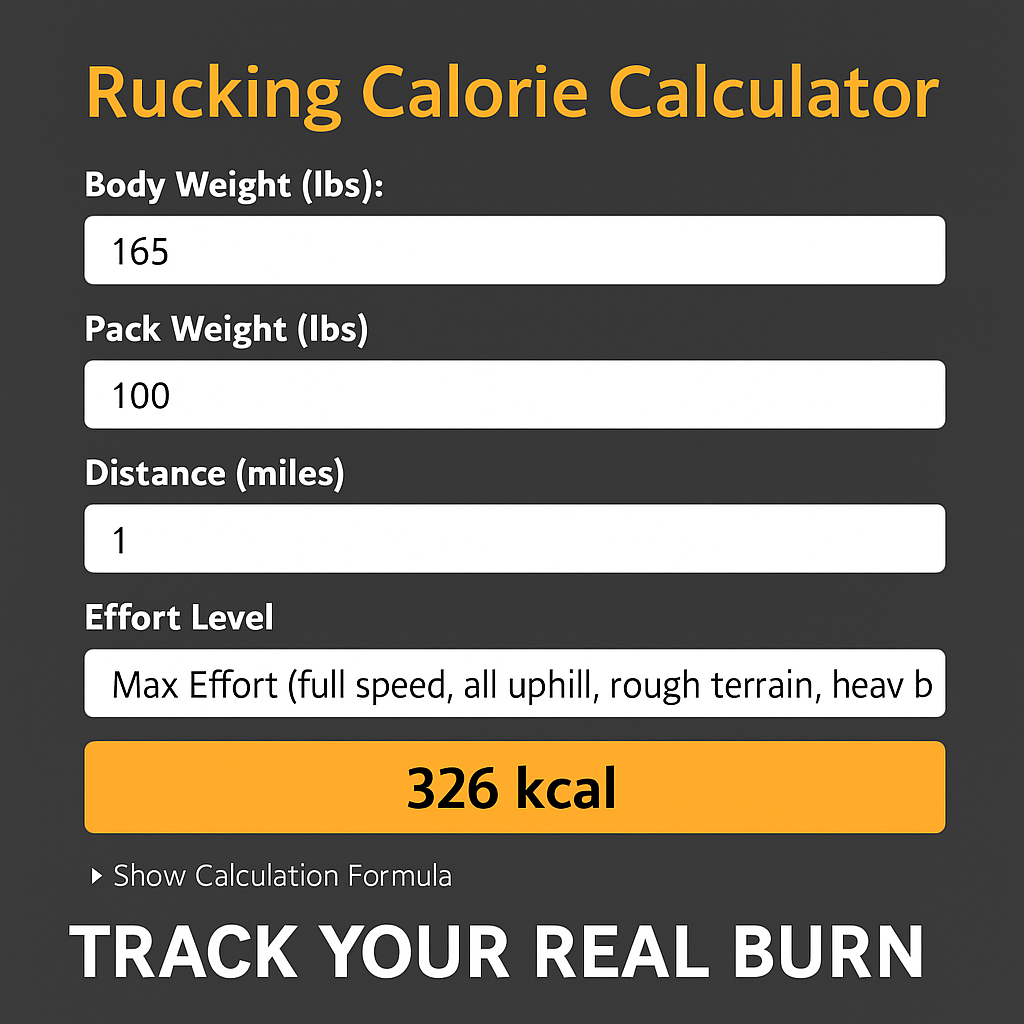
One practical tool I recommend is the Rucking Calorie Calculator. It models weighted vests and backpack rucking specifically and gives a conservative calorie estimate you can add to your Apple Watch totals. Use the calculator to correct past workouts or plan future sessions.

Use the Rucking app for Android to track load and calories
If you use Android, the Rucking app on Google Play supports weight inputs for both rucksacks and weighted vests plus a weight loss calculator and gear links. It allows you to track exactly how many calories you burn while rucking or training with a weighted vest. Tap the image to install:

How to reconcile Apple Watch data with ruck-specific estimates
Don’t throw away your Apple Watch data. Instead, treat the watch as a heart-rate and movement recorder and add a correction factor from a rucking calculator. For example, run a baseline unweighted walk to establish heart rate at a given pace, then do a weighted ruck at the same pace and use the calculator to estimate the differential calories from the added load. Add that differential into your training log as “ruck load calories.” Over time you’ll develop a personalized multiplier that adjusts watch estimates when you wear a pack or vest.
Gear note: choose the right vest for consistent tracking
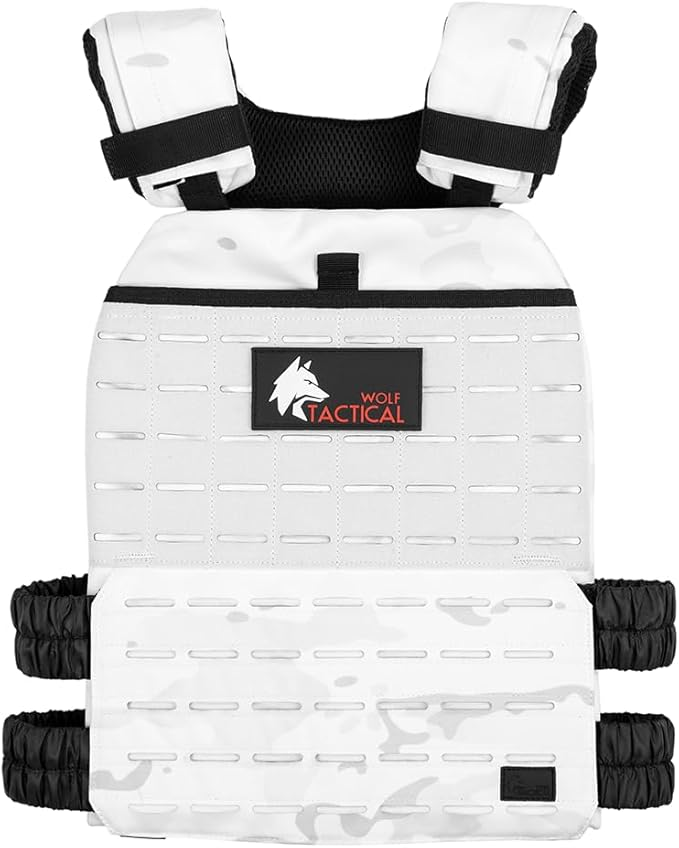
Consistent equipment helps make estimates reliable. If you use a layered, adjustable vest you can keep loads consistent across sessions and reduce variability between watch readings and calculator outputs.

Use the inline link for product pages when shopping: WOLF TACTICAL Simple Weighted Vest.
Quick checklist before your next ruck
- Weigh your pack or vest and record the weight.
- Run the Rucking Calorie Calculator for the session estimate.
- Record Apple Watch heart rate and distance for pace context.
- Add the calculator differential to your training log to reflect true effort.
Two troubleshooting tips speed adoption. First, check strap and watch placement: loose contact and cold fingers produce dropouts that reduce heart-rate-based calorie estimates; snug the watch and warm extremities when possible. Second, use perceived exertion (RPE) as a cross-check — if a weighted ruck feels notably harder than your watch output suggests, trust the RPE and the rucking calculator adjustment. For long rucks, break sessions into ten to thirty minute segments and run the calculator per segment to capture pace and terrain variability. Finally, keep a simple spreadsheet or the notes field in your training app with pack weight, distance, terrain, and calculated ruck calories. That data builds a practical correction model you can apply quickly to Apple Watch sessions without overcomplicating your routine. Start small, measure, and prioritize consistent load progression today.
Apple Watch is excellent for heart rate and GPS tracking, but it wasn’t designed to model external load. Using a dedicated rucking calculator and a load-aware app bridges that gap and keeps your training honest. Track weight, pace, and perceived exertion; use those three inputs and a rucking calculator to make better decisions about recovery and progress. That routine will give you accurate session accounting whether you’re carrying a small pack, a hydration bladder, or a heavy vest.