Why use a rucking pace calculator?
I coach people to treat rucking like any deliberate training modality: control pace, load, and duration. A rucking pace calculator helps you translate a target time or distance into a sensible walking speed when carrying a load. That matters because pace determines intensity, calorie burn, and whether a session is aerobic endurance, tempo, or recovery.
What the calculator tells you
Use a pace calculator to get practical numbers: minutes per mile or kilometers per hour adjusted for the weight of your pack or vest and planned terrain. When you know your target pace you can structure intervals, plan checkpoints, and estimate calories burned using a companion calorie calculator.
How to use a rucking pace calculator effectively
Follow these steps before you hit the trail:
- Set your goal: endurance (long slow), fat loss (steady moderate), or conditioning (faster intervals).
- Choose load: specify your weighted vest or backpack mass—this changes effort and thus sustainable pace.
- Include terrain: flat, rolling, or hilly routes require different target paces.
- Convert pace to checkpoints: break a long ruck into manageable segments and set time targets per mile/km.
Pace zones and what they feel like
As a rule of thumb I use three zones while rucking:
- Zone 1 — Recovery: conversational pace, easy breathing, long durations.
- Zone 2 — Steady aerobic: brisk walking that raises heart rate but remains sustainable for hours.
- Zone 3 — Tempo/intervals: faster efforts or marching with heavy loads for conditioning sets.
Practical training examples
Pick a target pace from your calculator and test it on a familiar route:
- Easy endurance: 60–90 minutes at Zone 1 to build time on feet with load.
- Steady fat-loss ruck: 45–75 minutes at Zone 2 with a moderate vest to maximize sustained calorie burn.
- Interval day: 8–12 x 1 minute hard efforts at Zone 3 with 2 minutes easy between; use the pace calculator to define speed targets for the hard reps.
Estimate calories and link your pace to burn
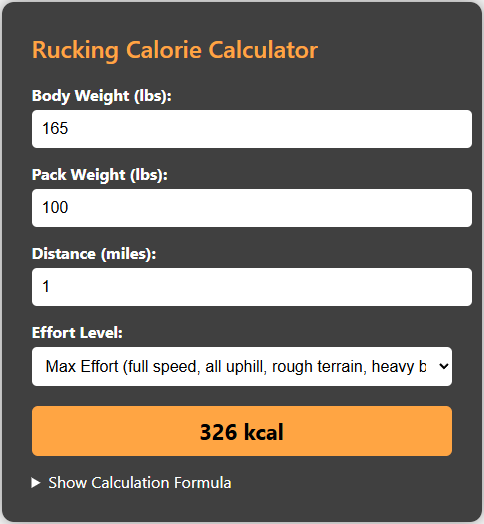
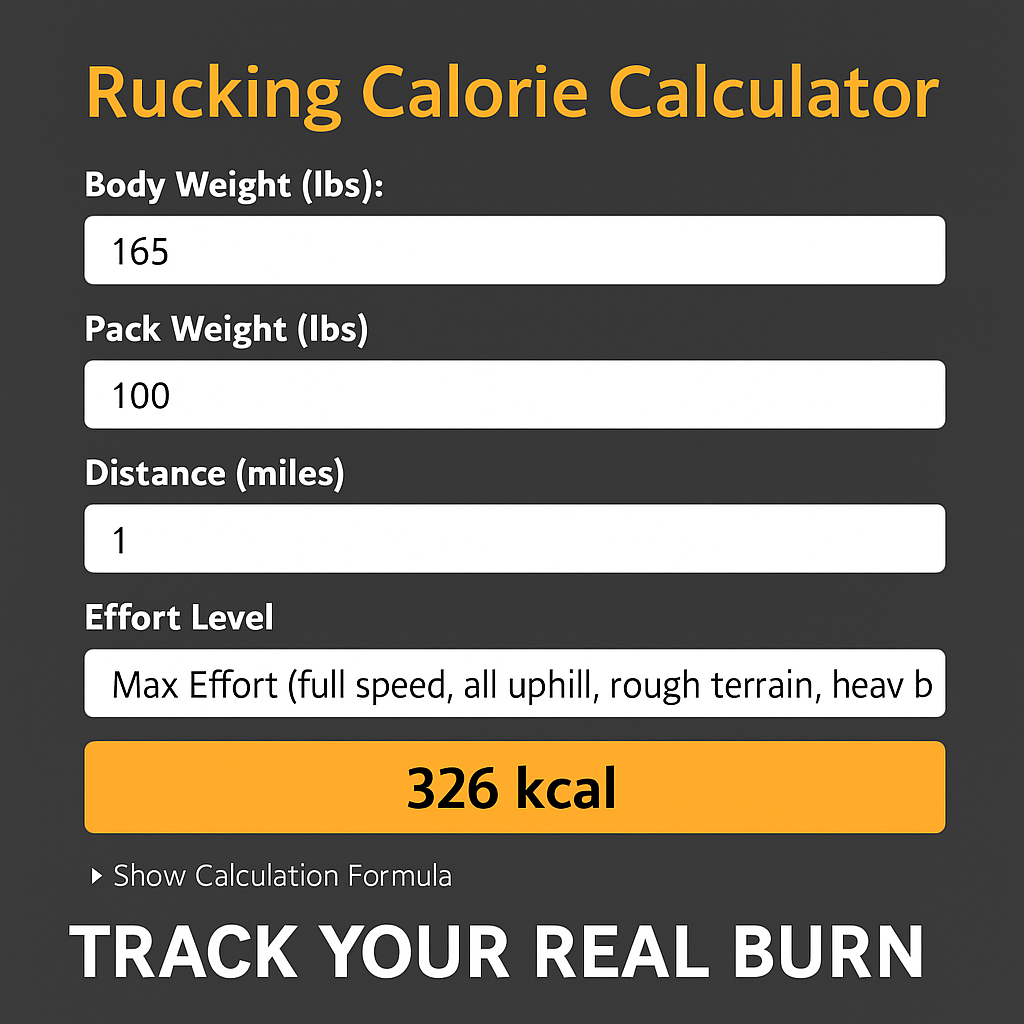
Pace affects calorie burn more than people realize because faster walking while loaded increases metabolic cost. Use the Rucking Calorie Calculator to pair pace and load for a realistic burn estimate. Click the screenshot below to open the calculator and enter your weight, pack mass, and pace to get numbers you can plan around.

Track pace and calories on the go
For Android users the Rucking app on Google Play lets you track distance, pace, and calories burned while rucking or using a weighted vest. It also includes a weight loss calculator and links to gear and discounts. Tap the image to install the app and start logging accurate pace and burn data on your next ruck.

Recommended gear for pace-focused rucks
Comfort and fit influence your sustainable pace. For long distance or military-style rucks I recommend a durable ruck pack that carries weight without shifting.

For hydration and mixed cardio-plus-load days the CamelBak Motherlode is ideal when you need fluids and modular weight options.

Final tips
Use a rucking pace calculator to set realistic targets, then validate them on short test runs before committing to long routes. Track with the Rucking app for Android to pair pace and calorie data. Keep intervals and recovery planned, and select gear that stabilizes load so your pace stays consistent. Rucking is simple, but consistent control over pace is what turns time on feet into progress.