What a ruck calorie calculator can tell you
A ruck calorie calculator turns a few details about a loaded walk into an estimated energy cost. Its most useful role is comparison: what changes in the model if you walk farther, carry a different load, or choose another effort setting? It cannot measure your metabolism or tell you exactly how much to eat afterward.
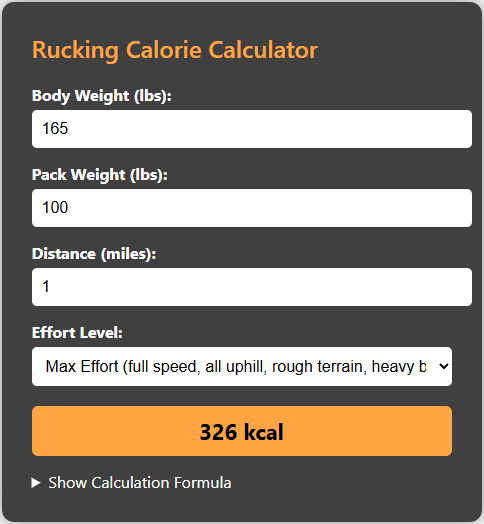
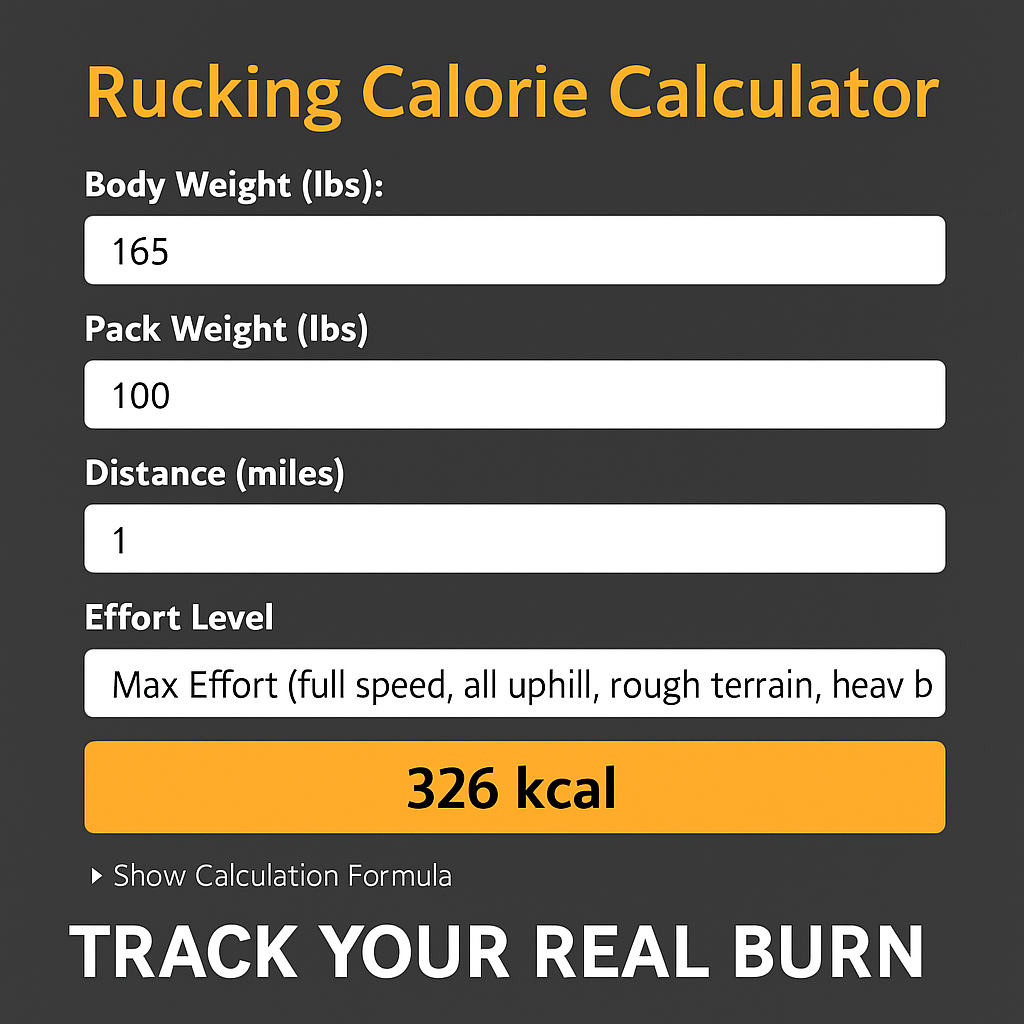
The Rucking.Pro calculator and method guide supports weighted vests and backpacks. Use the current tool there, then keep the settings alongside the result so the number has context when you review it later.
Enter the inputs the tool actually uses
- Current body weight in pounds, without adding the equipment to that figure.
- Total carried weight in pounds, including the carrier, plates, and contents.
- Distance in miles.
- The available effort preset.
- Vest or backpack carry type.
If your measurements are metric, multiply kilograms by about 2.205 and divide kilometers by about 1.609. Check the units before calculating; a correct number in the wrong unit can create a much larger error than rounding a measurement.
The calculation behind the result
The web formula is miles × (body weight in pounds × 0.57 + carried weight in pounds × 1.23) × effort × carry modifier. Effort presets use 1.0, 1.3, and 1.5; the carry modifiers are 1.0 for vest and 1.07 for backpack.
This calculation does not directly accept walking speed, time, measured grade, or heart rate. It is not a military-validated model. The effort options and carry modifier are broad assumptions, so greater detail in your notes does not make the output precise.
Read the result correctly
Consider a 160 lb person walking two miles with 10 lb carried, Vest selected, and effort at 1.0. The model returns 207 calories. At zero load, the same calculation returns about 182. The modeled contribution from the added weight is about 25 calories, not the full 207.
These are formula examples, not recommended loads or measured expenditure. The result includes both walking and added-load components, but it does not precisely divide active from total calories. You cannot assume it uses the same accounting as a watch or another exercise app.
Record sessions on iPhone or Android
The Rucking app tracks GPS distance, time, pace, and estimated calories with your chosen load and carry type. Optional Apple Health and Health Connect access requires permission and a compatible setup. Check the recorded details before using any session total in a broader activity log.

Get the iPhone app or get Rucking on Google Play.
As an Amazon Associate we earn from qualifying purchases through product links in this article.
Recommended gear
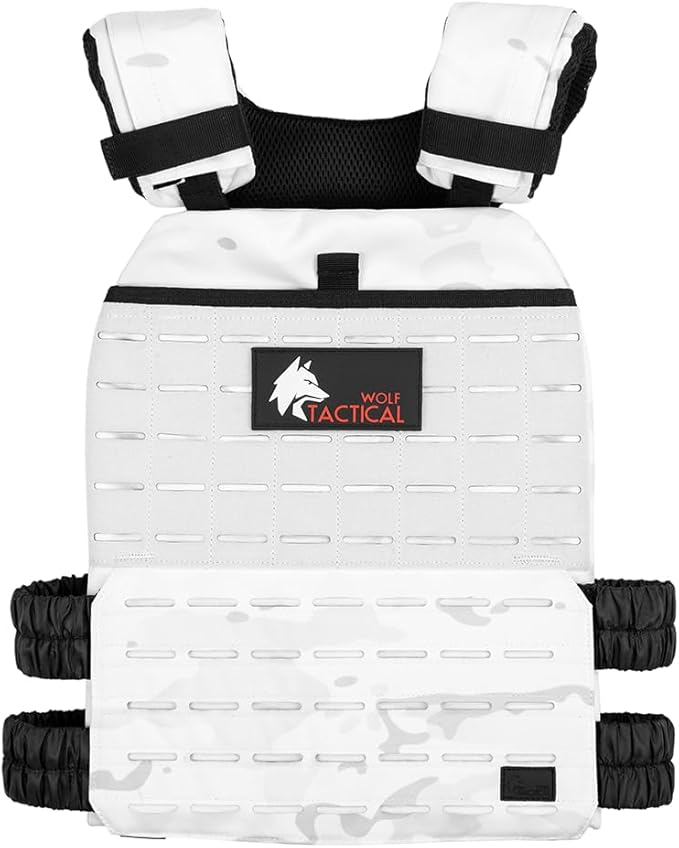
Weighted vests are the simplest, most repeatable tool for adding load. For comfort and versatility I regularly recommend the Wolf Tactical Adjustable Weighted Vest for beginners and long walks.

Hydration and longer rucks
If you plan multi-hour carrying sessions, pair a hydration pack like the CamelBak Motherlode with your vest or rucksack. Staying topped up preserves performance and helps you hit planned calorie goals without bonking.

Troubleshoot an unexpectedly high estimate
- Check units. Confirm pounds and miles rather than kilograms and kilometers.
- Check body weight. Do not include the pack in this field and then enter it again as carried weight.
- Check distance. Look for GPS jumps or an out-and-back route counted twice.
- Check effort. A hard climb in one part of the walk does not automatically make the entire session maximum effort.
- Check carry type. The backpack preset returns 7% more than vest with the other fields unchanged.
If the settings are correct and your watch still disagrees, keep both outputs labeled by their source. Comparing estimates may reveal input mistakes; it does not establish which device measured the true burn.
Use the number in a manageable training routine
Choose a walk that suits your current capacity before looking at its calorie result. No fixed percentage of body weight is an automatic beginner prescription. Start with little or no added load if that is what lets you move comfortably, and build gradually.
Review distance, load, and recovery together. If a new load changes your normal walking pattern or causes pain, reduce it and reassess rather than pursuing the larger estimate. CDC’s activity guidance supports gradual progression and individualized advice when health conditions affect exercise choices.
Avoid double counting
If a daily activity estimate already includes your usual walks, adding the full calculator result again can overstate expenditure. Likewise, check whether a workout is already recorded before entering another copy manually. Do not assume separate tools automatically reconcile their numbers.
A calorie estimate can help you understand a routine, but it cannot guarantee a calorie deficit or a particular weight change. Keep the log consistent, use the same assumptions for comparisons, and let actual comfort and repeatability guide the next session.