Choose a rucking app for the record you need
The best app to track rucking is one you can use consistently for your actual outings. Decide whether you need a live record of distance and time, a calculation for a known walk, or a way to save a completed workout to a compatible health service. Those are different needs.
Core features worth checking
- Can you record the complete load and distinguish a backpack from a vest?
- Does the tracker clearly label distance, time, and pace?
- Are calorie values presented as estimates?
- Does the current version support your phone and any health-data source you intend to use?
- Can you understand the completed record without an elaborate extra workflow?
Why carried weight is useful
A load entry helps describe the outing more completely. It does not establish that an app outperforms every other tracker or accurately measures calorie burn. A feature list is not an independent accuracy test. Judge practical usefulness separately from claims about exact energy expenditure.
What the Rucking apps currently offer
The Rucking app overview is the starting point for the iPhone and Android versions. Both support Start Ruck with GPS distance, elapsed time, average pace, and calorie estimates. Optional health integration depends on permission and a compatible source; missing heart-rate data does not mean your phone should supply it automatically.
Check platform-specific extras on the current store listing. For example, the iPhone listing describes Apple Watch controls with the paired iPhone still required for GPS tracking. Do not assume a feature on one platform exists on the other.
Use the browser calculator for a known walk
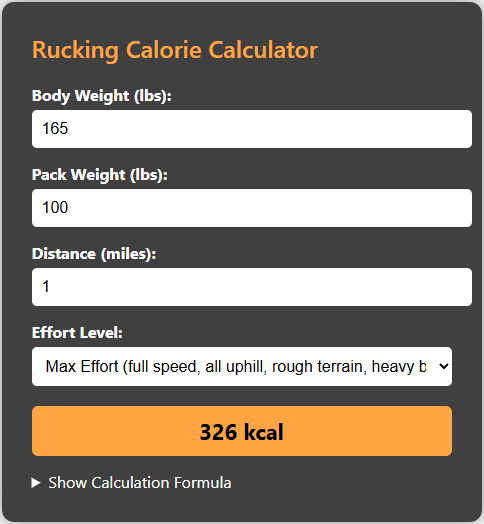
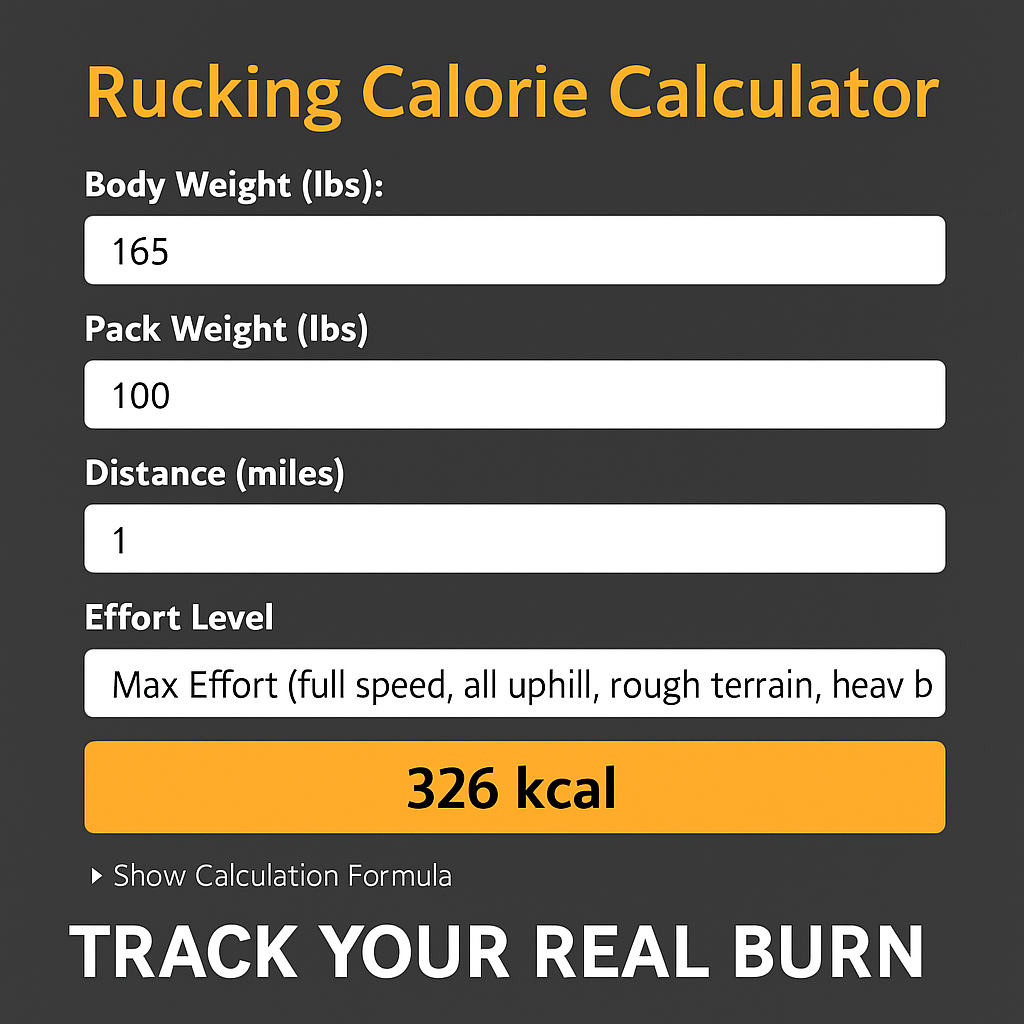
The weighted-vest calorie calculator uses body weight, complete load, distance, effort preset, and carry type. It has no direct pace, duration, or slope field. Choose a reasonable preset rather than forcing a larger estimated result. The web tool can be useful even when you do not need a live recording.
Download for iPhone or Android
Choose your phone’s listing to check current availability, device requirements, and released features.

Get Rucking for Android on Google Play
Gear I recommend when tracking rucks
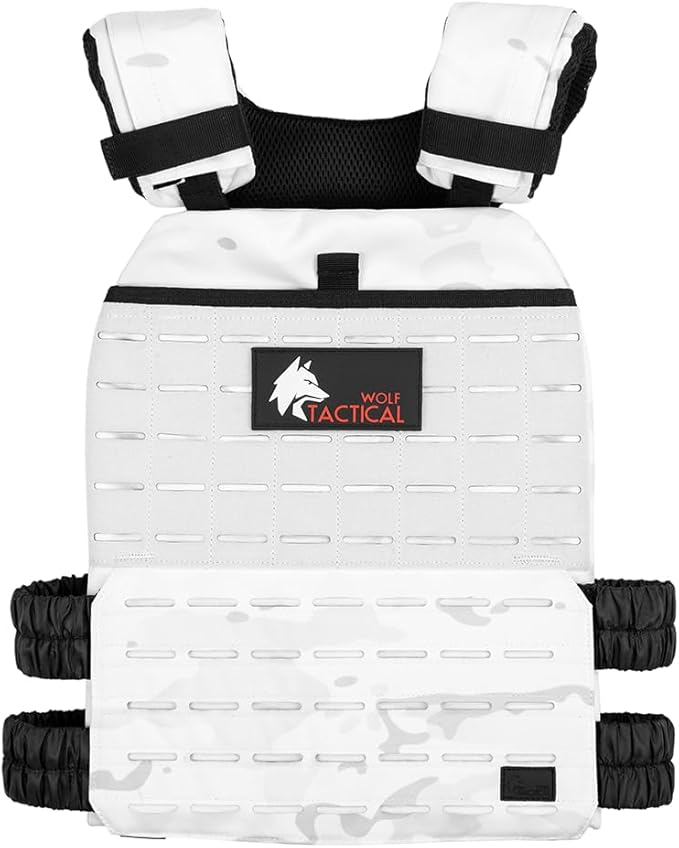
If you want consistent logging, pair the app with a comfortable vest or a durable pack. For beginners I favor the Wolf Tactical adjustable weighted vest for fit and comfort; for long outings consider a hydration pack to carry water and weight.

Simple training plan to use with the app
Start with three rucks per week. Week one is two 30 minute walks with light weight and one 45 minute walk. Increase cumulative carried minutes by fifteen per week and track perceived exertion. If your app shows heart rate spikes or poor sleep, back off weight or volume.
Always prioritize form and gradual progression. Wear appropriate footwear, keep hydrated, and plan routes with bailout options. Use the app to export or screenshot workouts before long trips and share plans with a partner when heading into remote terrain.
Settings and troubleshooting
Adjust the app before your first ruck. Enter body weight and the exact carried weight, choose activity type, and set GPS sampling to a battery-friendly mode if you expect longer than two hours. If you use a chest strap or optical heart rate band enable HR syncing in settings. Calorie estimates improve dramatically when heart rate and load are combined.
If GPS drops or tracks poorly try toggling location accuracy, calibrating sensors, or exporting a GPX file and reimporting. Use offline maps if the app supports them. Take a short test ruck with a known route to compare distances and calorie numbers and adjust settings.
- Failing to enter carried weight before starting.
- Letting GPS drift without a controlled test route.
- Not syncing heart rate or ignoring recovery trends.
A few practical habits will make any app more useful. Start each session by confirming carried weight and GPS, take consistent routes for comparison, and log perceived exertion or terrain notes. Review weekly totals to manage progressive overload and avoid cumulative fatigue. If your goal is fat loss use the app to track calories and pair training with a nutrition plan. The app plus a single reliable weighted vest is enough to guide consistent progress outdoors without needing expensive lab testing. Start simple, log honestly, and let data guide slow, steady gains. Track for months, not days. consistently.