How to choose the best app to track rucking
Finding the best app to track rucking comes down to accuracy, simplicity, and features that match how you train. Rucking is load carriage plus walking; an app should measure distance, pace, elevation, time, and calories burned while allowing you to specify vest or backpack weight. The right tool helps you set goals, track progress, and avoid injury by monitoring cadence and recovery.
Core features to look for
Prioritize apps that let you enter external load, adjust activity type to ‘ruck’ or ‘weighted vest’, and calculate calories using load and pace. Offline GPS, exportable workouts, and simple history views are practical. Battery efficiency matters for long rucks. If you plan to use a heart rate monitor, verify compatibility.
Why a rucking specific app matters
Generic running apps ignore load and tend to undercount energy expenditure when you carry weight. Rucking with a 20 to 45 pound vest changes biomechanics and calorie burn. An app that asks for carried weight combined with GPS pace will estimate calories far better than pace alone. That accuracy informs training volume and recovery.
Recommended app features I use in the field
Practical features I prioritize during outdoor rucks include adjustable carry weight, multi-activity support, simple maps, and a clear calories estimate tied to load. Notifications for time or distance milestones are useful. I also want one tap to start and stop, and a log that shows weekly loading totals.
- Enter your body weight and carried weight before each activity.
- Choose ‘ruck’ or ‘weighted vest’ activity to improve calorie estimates.
- Use offline maps for long routes and save battery when possible.
- Sync heart rate and GPS for better intensity tracking and recovery data.
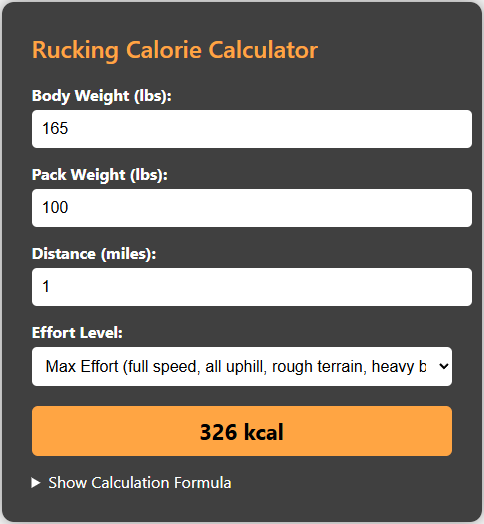
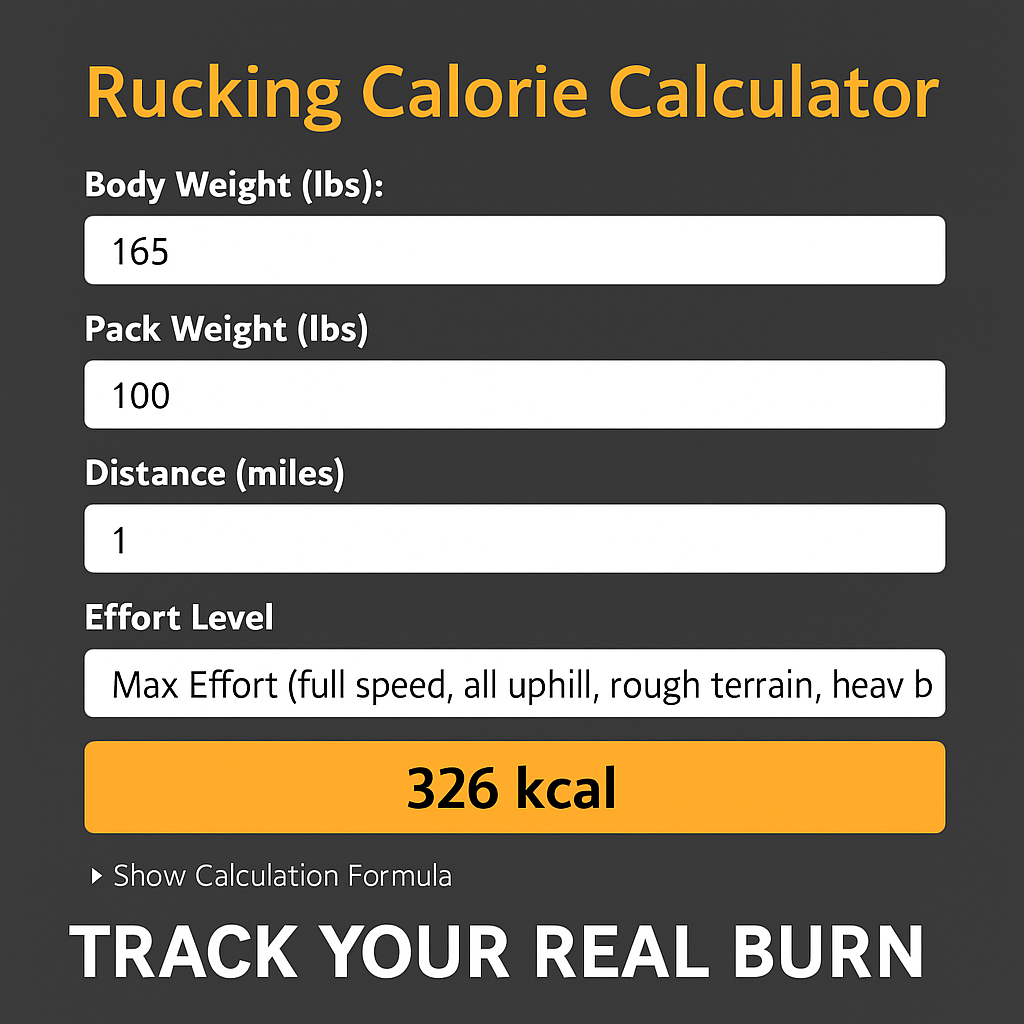
Estimate calories burned with the Rucking calorie calculator below. It accepts vest or backpack weights and uses pace and distance to produce realistic calorie numbers.

For Android users the Rucking app on Google Play tracks distance, pace, and calories for both rucks and weighted vest workouts. It also includes a weight loss calculator, links to gear and discounts, and a simple history view so you can monitor weekly load.

Gear I recommend when tracking rucks
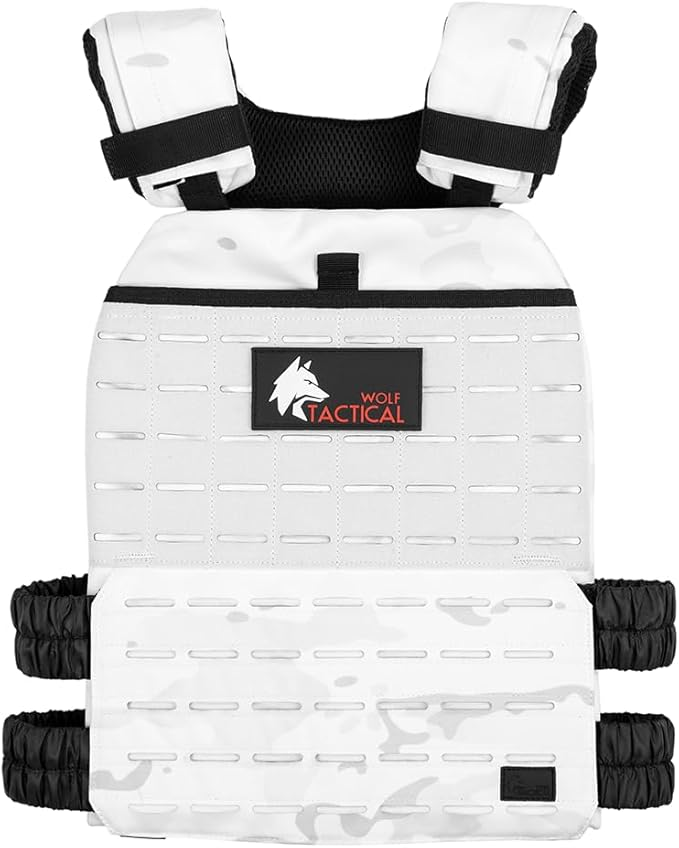
If you want consistent logging, pair the app with a comfortable vest or a durable pack. For beginners I favor the Wolf Tactical adjustable weighted vest for fit and comfort; for long outings consider a hydration pack to carry water and weight.

Simple training plan to use with the app
Start with three rucks per week. Week one is two 30 minute walks with light weight and one 45 minute walk. Increase cumulative carried minutes by fifteen per week and track perceived exertion. If your app shows heart rate spikes or poor sleep, back off weight or volume.
Always prioritize form and gradual progression. Wear appropriate footwear, keep hydrated, and plan routes with bailout options. Use the app to export or screenshot workouts before long trips and share plans with a partner when heading into remote terrain.
Settings and troubleshooting
Adjust the app before your first ruck. Enter body weight and the exact carried weight, choose activity type, and set GPS sampling to a battery-friendly mode if you expect longer than two hours. If you use a chest strap or optical heart rate band enable HR syncing in settings. Calorie estimates improve dramatically when heart rate and load are combined.
If GPS drops or tracks poorly try toggling location accuracy, calibrating sensors, or exporting a GPX file and reimporting. Use offline maps if the app supports them. Take a short test ruck with a known route to compare distances and calorie numbers and adjust settings.
- Failing to enter carried weight before starting.
- Letting GPS drift without a controlled test route.
- Not syncing heart rate or ignoring recovery trends.
A few practical habits will make any app more useful. Start each session by confirming carried weight and GPS, take consistent routes for comparison, and log perceived exertion or terrain notes. Review weekly totals to manage progressive overload and avoid cumulative fatigue. If your goal is fat loss use the app to track calories and pair training with a nutrition plan. The app plus a single reliable weighted vest is enough to guide consistent progress outdoors without needing expensive lab testing. Start simple, log honestly, and let data guide slow, steady gains. Track for months, not days. consistently.