Estimate rucking calories from body weight and carried load
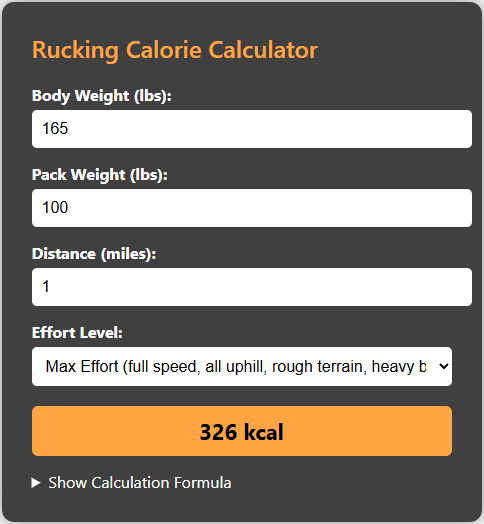
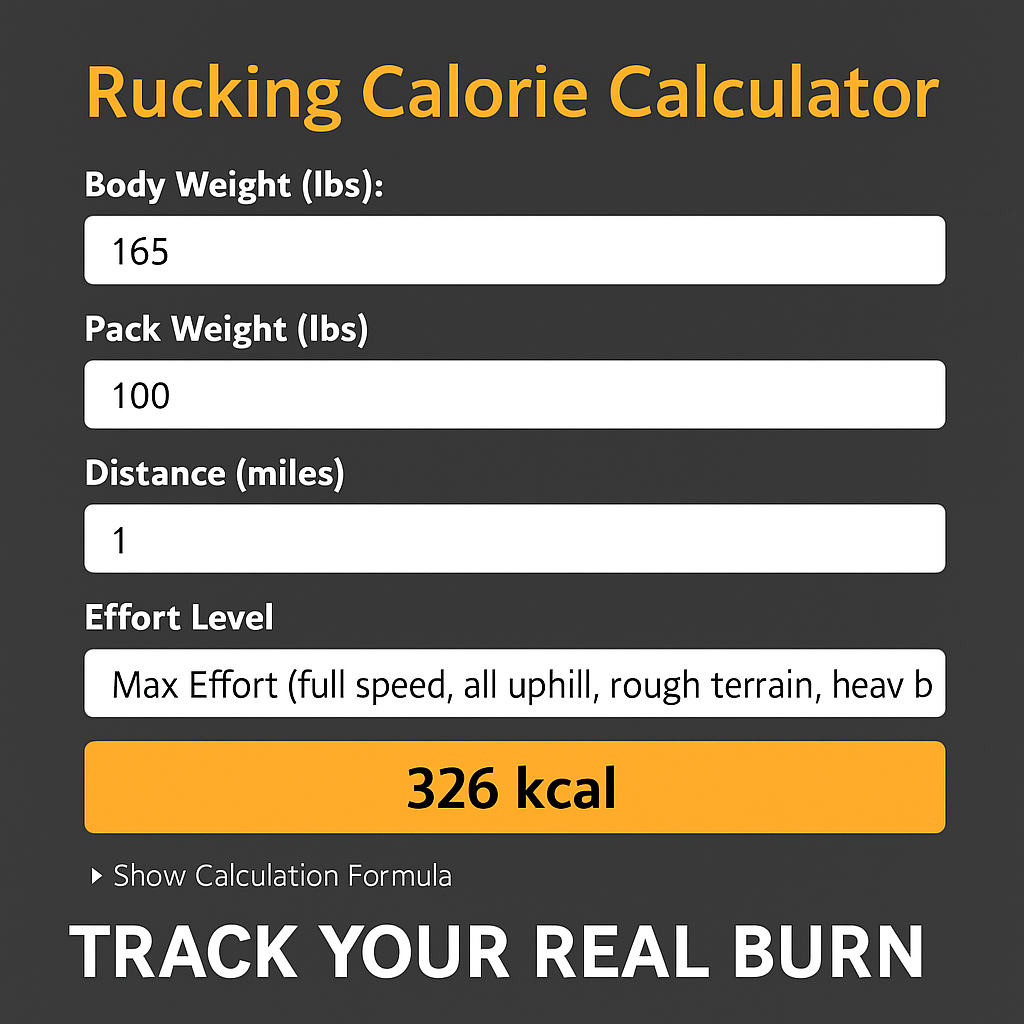
A rucking calorie calculator by weight is useful when you want to compare the same walk with different loads. Keep body weight and equipment weight separate: your body weight goes in one field, and the complete vest or loaded backpack goes in the other. The result describes the model’s estimate for the session, including its walking component.
Open the Rucking.Pro weighted-vest and rucking calorie calculator for the current tool and method. You can select either a vest or backpack. Rucking.Biz explains how to use those results without treating a bigger number as a reason to carry more weight.
What to weigh before a ruck
- Body weight: enter your current weight without the loaded equipment.
- Carried weight: include the carrier, plates, water, and other contents. Plate weight alone leaves out part of the load.
- Distance: enter the miles you expect to walk, then use the completed distance when reviewing the session.
- Effort and carry type: use the available effort preset and choose the way you actually carry the load.
A practical way to check a pack is to weigh yourself with and without it, using the same scale and subtracting the readings. Do not enter the combined reading as body weight and then add the pack again. For metric measurements, multiply kilograms by about 2.205 for pounds; divide kilometers by about 1.609 for miles.
How weight changes this calculator’s result
The web formula is: miles × (body weight in pounds × 0.57 + carried weight in pounds × 1.23) × effort × carry modifier. The effort multipliers are 1.0, 1.3, and 1.5. Vest uses 1.0; backpack uses 1.07.
Within that formula, added weight has a fixed effect when everything else stays constant. Real walks are less tidy: a heavier pack may slow you down, change your gait, or make you stop earlier. The formula does not directly use exact pace, elapsed time, measured incline, or heart rate. Its backpack adjustment is a modeling assumption, not proof that every backpack burns 7% more than every vest.
A controlled comparison
For a 170 lb person covering three miles with Vest selected and effort at 1.0, the rounded estimates are:
- No added load: about 291 calories.
- 10 lb carried: about 328 calories.
- 20 lb carried: about 365 calories.
These are arithmetic examples, not recommended starting loads or measured burns. In the 10 lb example, the modeled increase over the unweighted walk is about 37 calories. The full 328-calorie result is not an extra calorie bonus from the vest.
Record the walk on your phone
The Rucking app supports iPhone and Android tracking of GPS distance, time, pace, and estimated calories using your selected load and carry type. Optional Apple Health or Health Connect access requires permission and a compatible setup. Recording a session helps preserve its inputs; it does not measure your metabolism.

Get the iPhone app or get Rucking on Google Play.
As an Amazon Associate we earn from qualifying purchases through product links in this article.
Gear notes
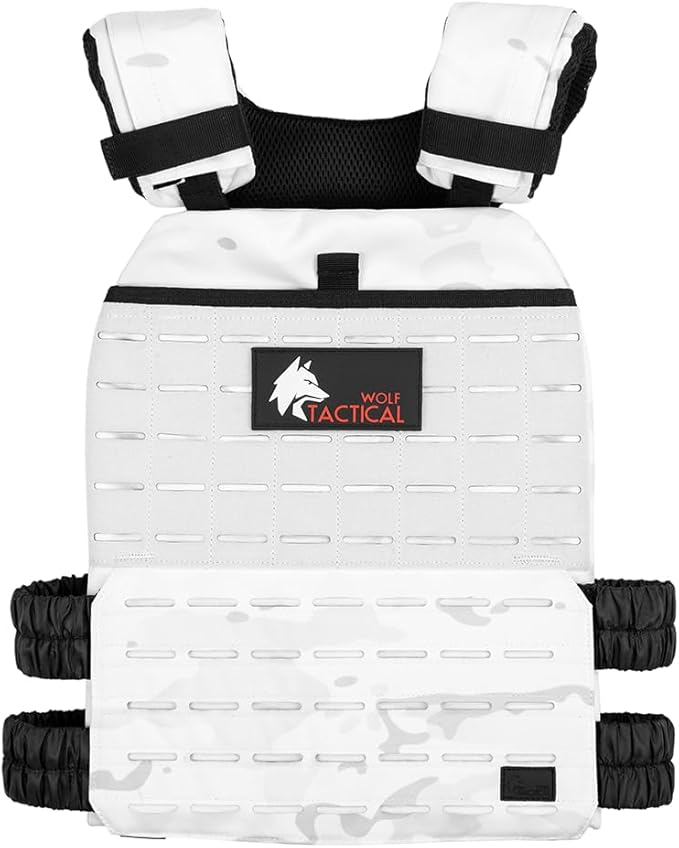
Start with a comfortable vest for beginner sessions and consider a ruck for longer or technical routes. The Wolf Tactical Weighted Vest is a good starter option for fit and adjustability. For longer loads and hydration, the GORUCK Rucker 4.0 or a CamelBak Motherlode handle distance and comfort well.


Choose a starting load from your capacity
Use a short, familiar walk to establish what feels manageable. That may mean no added weight at first. A default value in a calculator, a product’s capacity, or a percentage of body weight does not establish an appropriate starting load for you.
Repeat a comfortable session before increasing it. Change one variable at a time, such as distance or carried weight, and keep notes about comfort during the walk and recovery afterward. CDC’s getting-started guidance recommends building activity gradually; people with chronic conditions may need individual advice about suitable activity.
Use the comparison without chasing calories
Compare similar routes with consistent settings. If you change load, route, and effort together, you cannot tell which change drove the estimate. A comfortable walk you can repeat is a more useful training benchmark than the highest number the form can produce.
Keep food and recovery decisions broader than a single calorie estimate. The calculator does not precisely separate active and total energy expenditure, and it cannot guarantee weight loss. Start with accurate entries, keep the assumptions visible, and review the walk alongside how you actually felt.