Understanding the rucking calorie calculator by weight
A clear rucking calorie calculator by weight helps you plan sessions and match load to goals. Use your bodyweight, the weight you carry, your walking pace, terrain, and duration to estimate energy burned. I focus on simple inputs that reflect real outdoor rucks so your estimates stay practical and repeatable.
How the inputs change calories
Bodyweight and carried weight combine to determine the total mass your legs and core move. Increase the carried load and calorie burn rises roughly in proportion to the added weight, though terrain and pace also matter. Pace increases metabolic demand nonlinearly; a brisk 4 mph walk asks more of your cardiovascular system than a 3 mph stroll with the same load.
Key fields to enter
- Bodyweight: barefoot or clothing-adjusted scale weight, not goal weight.
- Carried weight: include vest, plates, backpack, water, and gear.
- Pace: choose a realistic average for your route rather than a peak speed.
- Terrain: round to flat, rolling, or steep and adjust expectations.
- Duration or distance: pick one and the calculator will use it to estimate total burn.
Practical tips for accurate entries
Weigh your gear. Put the weighted vest or plates on a bathroom scale while you wear them, or weigh individual plates and add them to your bodyweight. Account for hydration packs and food if you carry them for long rucks. If you plan mixed walking and hiking, use a conservative pace and slightly higher terrain setting.
Calculator demonstration and CTA
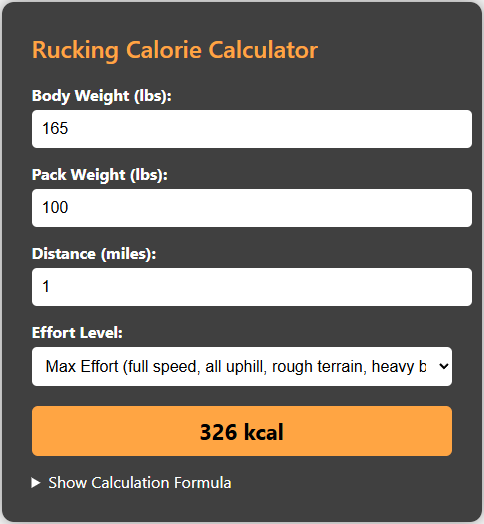
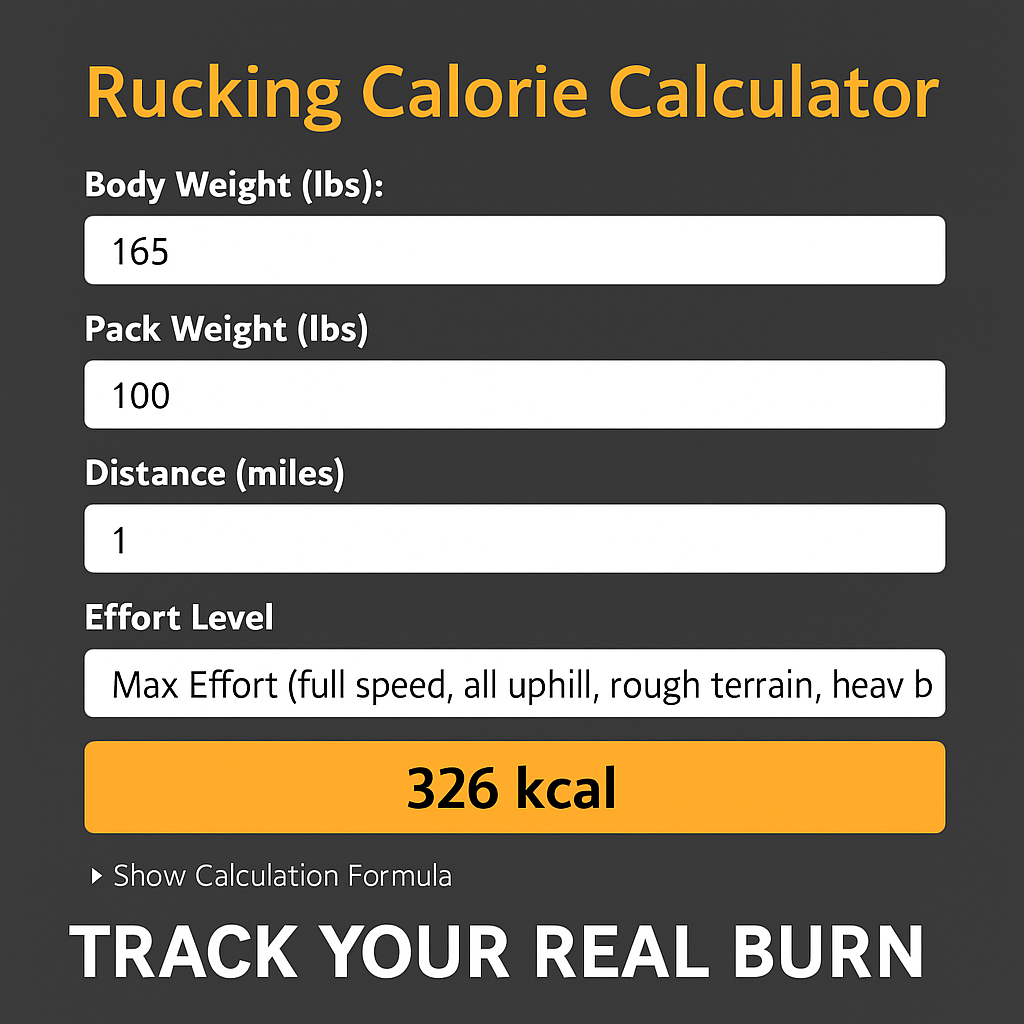
The rucking calorie calculator on Rucking.Pro is set up specifically to accept bodyweight and carried load as primary inputs. Use it to compare sessions where you increase pack weight or alter pace. Below is a direct link and screenshot so you can open the calculator and test scenarios on your phone or desktop.

Using the mobile app for tracking
If you want on-the-go tracking and storage of ruck sessions, install the Rucking app on Android. The app calculates calories using the same models, offers a weighted-vest option, and saves session history and gear preferences. Tap the image below to install the app from Google Play.

How to use results for programming
Treat calculator output as a planning tool, not an exact metabolic lab result. Use the estimates to set weekly calorie deficits for weight loss or to calibrate recovery on hard weeks. For fat loss, increasing carried weight by small increments across multiple sessions is more sustainable than dramatically upping pace. If your goal is conditioning, mix heavy short-duration rucks with longer light-load endurance walks.
Gear notes
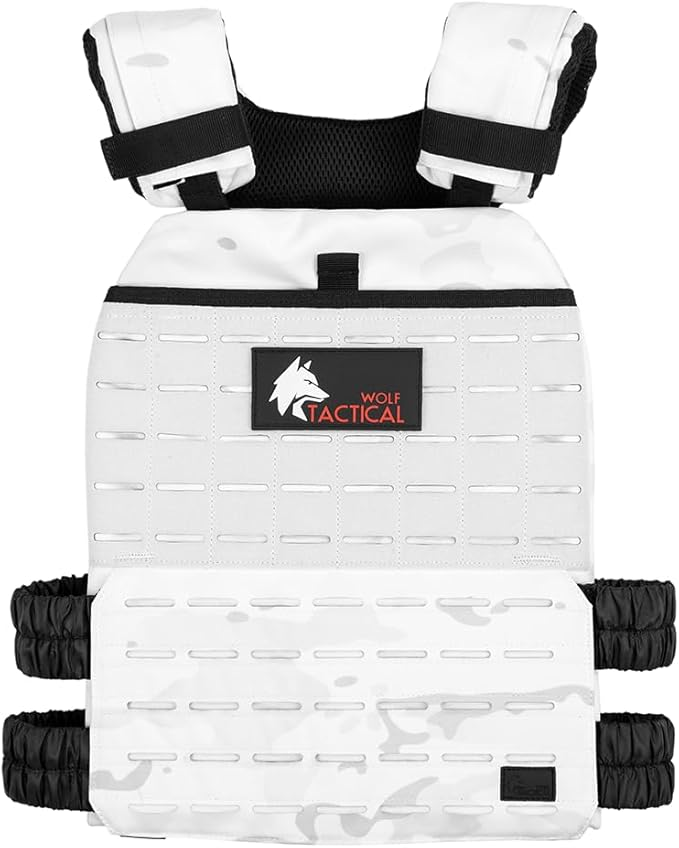
Start with a comfortable vest for beginner sessions and consider a ruck for longer or technical routes. The Wolf Tactical Weighted Vest is a good starter option for fit and adjustability. For longer loads and hydration, the GORUCK Rucker 4.0 or a CamelBak Motherlode handle distance and comfort well.


Sample scenarios by weight
To make the calculator output actionable, set three benchmarks: light, moderate, and heavy. For a 170-pound person:
- Light: bodyweight 170 with 10 pounds carried for an easy recovery ruck at 3 mph over flat ground for 60 minutes.
- Moderate: bodyweight 170 with 25 pounds carried at 3.5 to 4 mph on rolling terrain for 45 to 60 minutes.
- Heavy: bodyweight 170 with 45 pounds carried at 3 to 3.5 mph on mixed terrain for 30 to 45 minutes.
Run each scenario in the calculator and log the estimated calories. Use those estimates to plan weekly energy expenditure: two moderate rucks and one heavy ruck can be balanced with lighter activity and nutrition to create a sustainable deficit. If you use a vest, the weighted-vest landing page on Rucking.Pro explains plate choices and fit so you can match setup to goals.
Track your real session numbers against the estimates and adjust your pace or load until the calculator consistently matches perceived effort. Consistency in input and logging produces the best long term calibration so your calorie targets are practical and repeatable. Start today confidently.