Why your Apple Watch rucking calories are inaccurate
Many ruckers notice the Apple Watch underestimates or overestimates calories during weighted walks. The watch uses optical heart rate and motion patterns calibrated for running and casual walking. Rucking changes both heart response and arm swing, and added load shifts energy cost into muscles and posture that the watch cannot see. That mismatch produces systematic error — typically a low reading when you move steadily with a heavy pack or vest.
What the watch measures and what it misses
The Apple Watch estimates calorie burn primarily from heart rate and accelerometer data. It applies proprietary models tuned on activities where arm swing and cadence match typical patterns. Rucking breaks those assumptions: load reduces arm swing, walking pace varies, incline and pack distribution change muscular recruitment, and stabilization work increases metabolic cost without proportional heart rate spikes. The result is undercounting during sustained loaded walking and occasional overcounting during short high heart-rate efforts that are not energy efficient.
How to cross-check Apple Watch numbers in the field
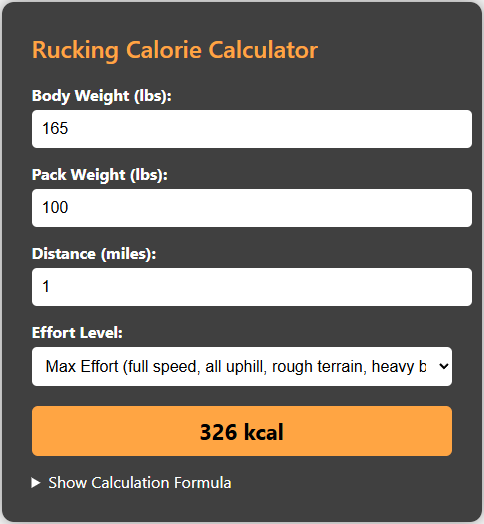
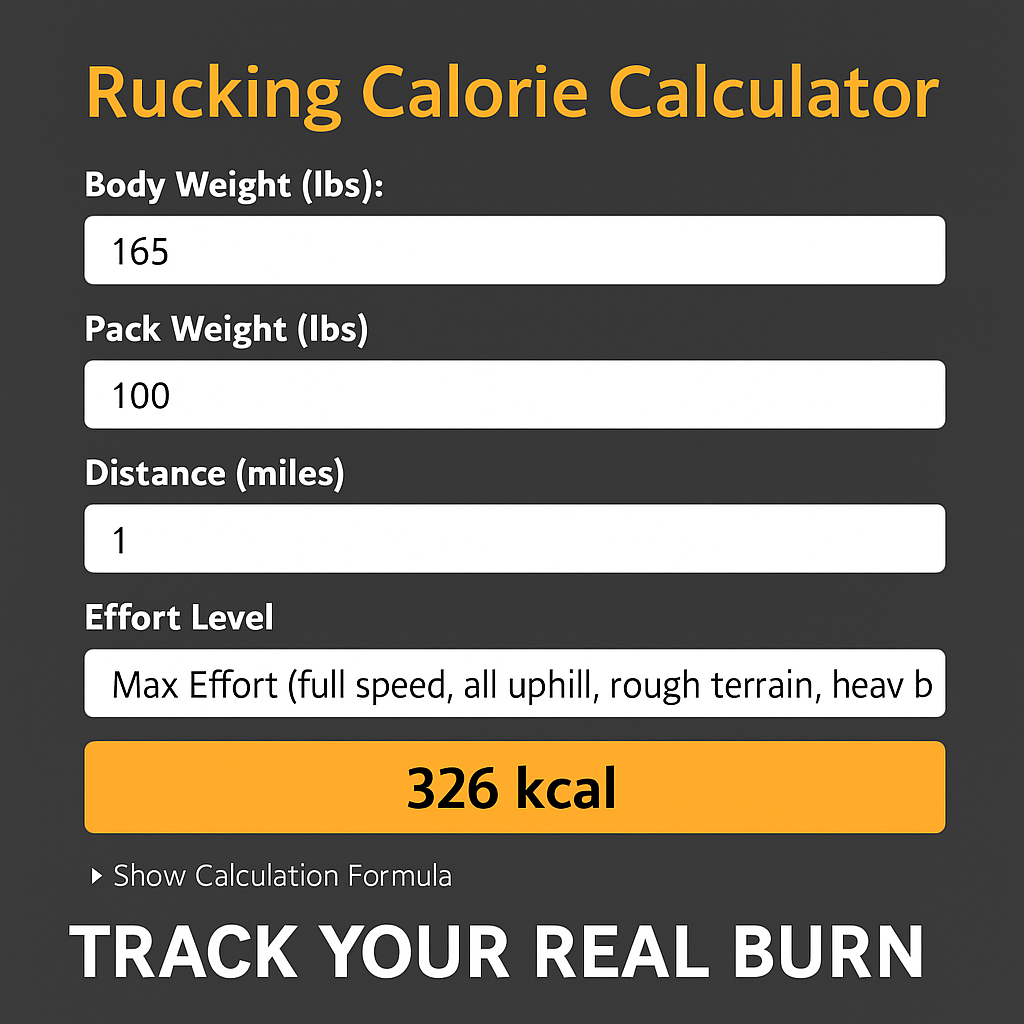
Use perceived exertion, time, and distance as a redundancy check. If you feel like you burned more than the watch shows, it probably did. For accurate tracking, use a rucking-specific calorie calculator that takes load, pace, grade, and body weight into account. The Rucking.Biz calculator was designed around weighted-vest and backpack rucking profiles and will often give a more realistic burn for long walks with load.
Calculator and quick tool

Practical steps to improve accuracy
- Wear the watch snugly and above the wrist bone to improve optical readings.
- Calibrate it with outdoor walks using GPS so the accelerometer can learn your stride.
- Log ruck sessions manually if you wear a heavy pack or vest and compare against the calculator.
- Use heart-rate zones and perceived exertion rather than absolute calories for daily decisions.
When to rely on the calculator versus the watch
If you are tracking long rucks or weighted-vest sessions for fat loss or performance, trust a rucking-specific calculator for calories burned. Use the watch for interval work, short hikes, and heart-rate trends. For a blended approach, record both and treat the calculator as the calorie authority and the watch as a heart-rate and duration monitor.
Gear notes for better data and comfort
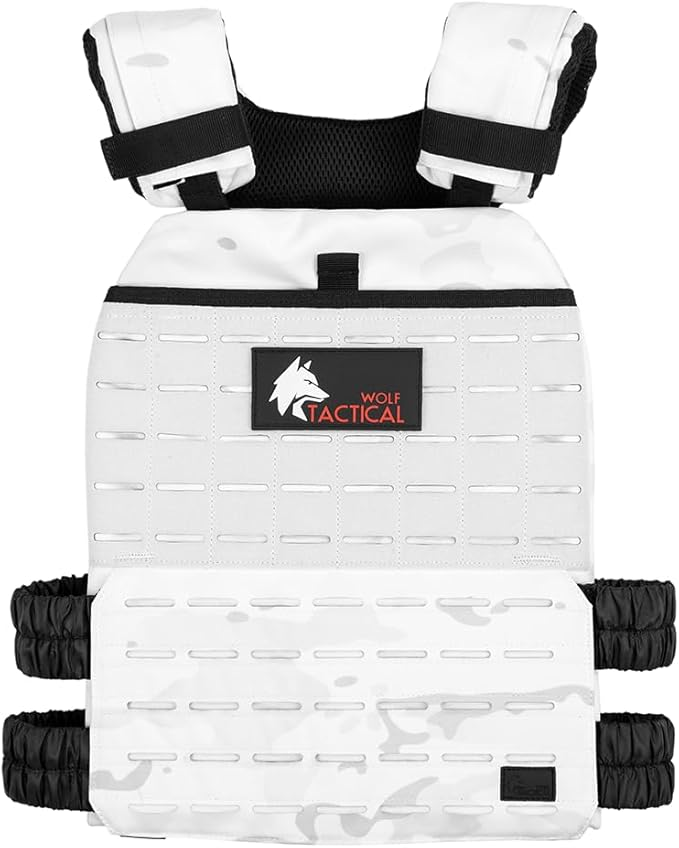
For serious rucking, a well-fit vest or ruck changes both comfort and effort. Consider a durable adjustable vest for daily loaded walks and a robust ruck for longer routes and heavy weight. Hydration matters; a good pack with a bladder reduces stops that skew averages.

Remember the Rucking app on Android
You can track calories accurately for both rucking and weighted vests using the Rucking App on Google Play. It includes a weight loss calculator, calorie tracking, and links to gear and discounts.

Short training plan to validate numbers
Start with 3 weekly rucks of 30 to 60 minutes at a steady pace. Use the calculator before and after to estimate calories, then log watch numbers. Over several weeks you will see a bias and can either adjust your watch estimates or rely on the calculator for calorie totals.
Closing guidance
The Apple Watch is a great heart-rate and GPS tool, but when you add load the metabolic picture changes. Combine device data with a rucking-specific calculator and sensible training logs to get the most reliable view of your calorie burn. Treat the watch as a guide and the calculator as the final say for loaded walking.
A simple validation protocol will speed confidence. Before a multi-hour ruck, do a five minute unloaded warm walk, note heart rate and watch calories, then add your vest or pack and repeat a steady twenty minute segment on similar terrain. Compare incremental burn to the calculator estimate and use that delta to scale future watch readings. Keep a small spreadsheet or the Rucking App notes field to store those adjustments. Over a month you will develop a personalized correction factor that accounts for your gait, pack fit, and terrain. If you prefer a comfortable vest for daily training try the Wolf Tactical Adjustable Weighted Vest as a forgiving, adjustable option that minimizes movement and preserves optical heart rate contact. For long rucks and hydration, pair a ruck with a bladder to reduce stops. Validate periodically after gear changes or big weight adjustments. Accurate calories matter for weight loss and recovery planning; use the rucking-specific calculator for totals and the watch to manage effort during the walk. Check updates to algorithms and update your protocol regularly.