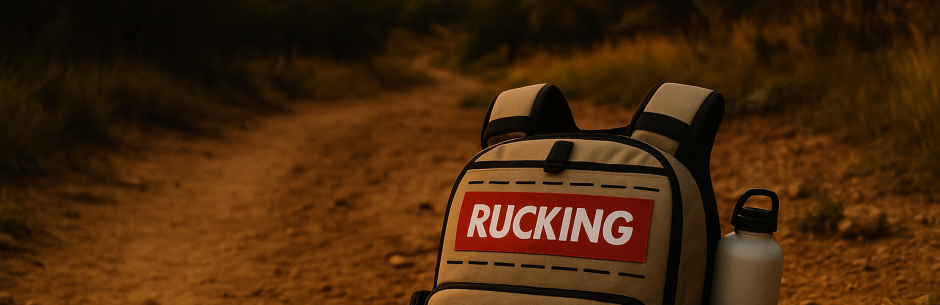
Rucking calorie calculator by distance helps you plan routes
Rucking calorie calculator by distance helps you estimate calories burned using the distance you ruck, load weight, pace, and personal factors. A distance-first calculator makes planning rucks, training sessions, and weight loss easier because you can convert route miles or kilometers into reliable calorie numbers.
How the distance calculator works
Distance is the simplest measurable input most ruckers have. To translate distance into calories the calculator factors your body weight, the weight of your vest or pack, the average walking speed, and terrain adjustments. The result is an estimate useful for day planning and progressive overload.
Inputs you should know
Use these inputs for best accuracy:
- Distance (miles or km)
- Body weight (in pounds or kg)
- Load weight (vest or pack included)
- Pace or average walking speed
- Terrain (flat, mixed, hilly) affects calorie cost
Use the Rucking Calorie Calculator by distance
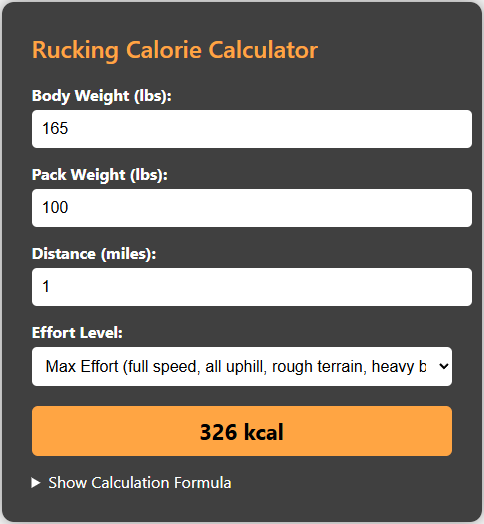
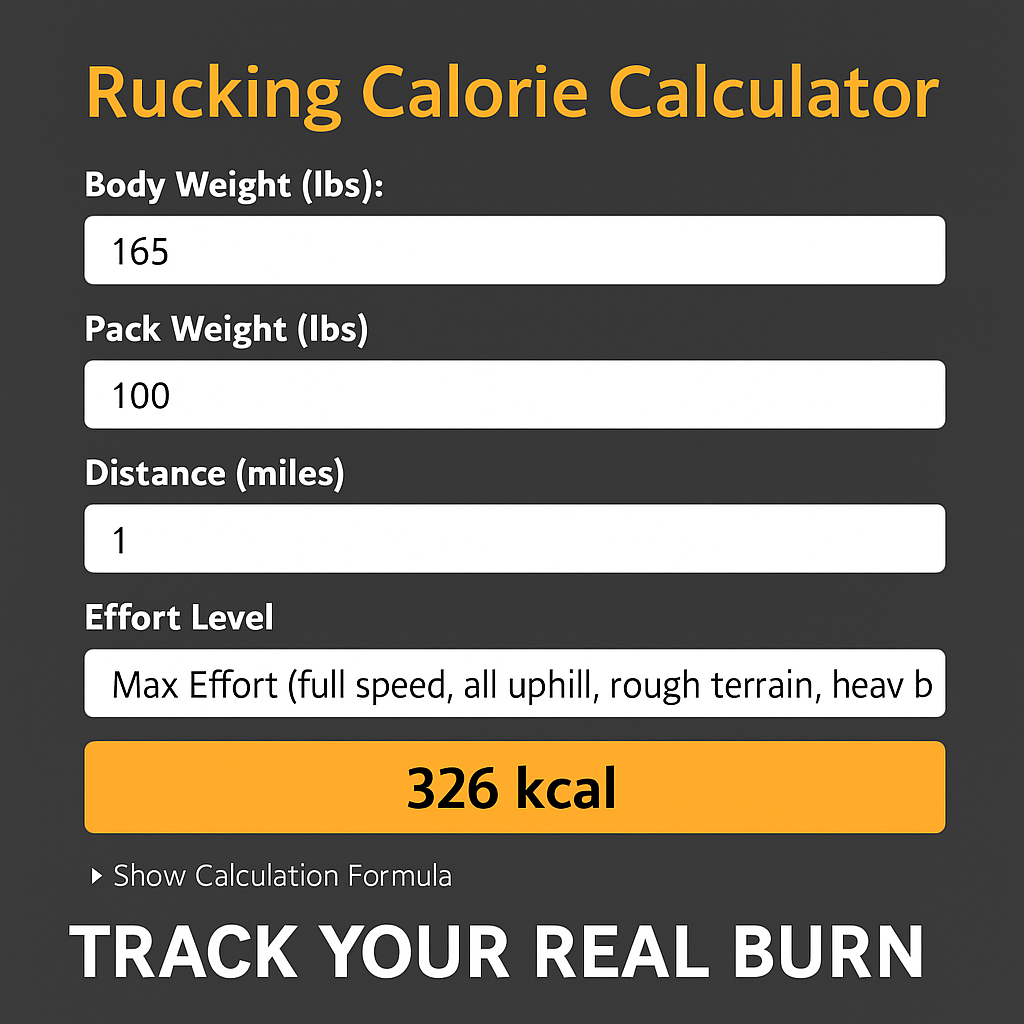
I built a distance-friendly workflow into the rucking calorie calculator so you can paste a route distance, set load and bodyweight, and get a quick estimate. Click the calculator screenshot to open the tool and try it with your next route.

Example: 6 mile ruck with a 30 lb vest
If you weigh 180 lb and ruck six miles with a 30 lb vest at a steady 15‑minute per mile pace on mixed terrain, the calculator uses distance to derive time and then applies MET estimates to return calories burned. Use the calculator for exact numbers, but expect a sizable burn that improves with speed and heavier, safe loads.
Open the app on Android to track calories live during a ruck and compare predicted values to observed effort.

Practical tips for better estimates
Small adjustments can change your calorie totals. Use these practical guidelines:
- Measure routes with a GPS watch or mapping app rather than guess.
- Include the vest or pack weight as load weight; the calculator treats it as added mass.
- Adjust pace to reflect terrain — slow uphill pace increases burn per mile.
- For long rucks, factor in breaks and slower finish pace by adjusting average speed.
- Use the app during a ruck to capture GPS distance and confirm the calculator’s prediction.
Gear note
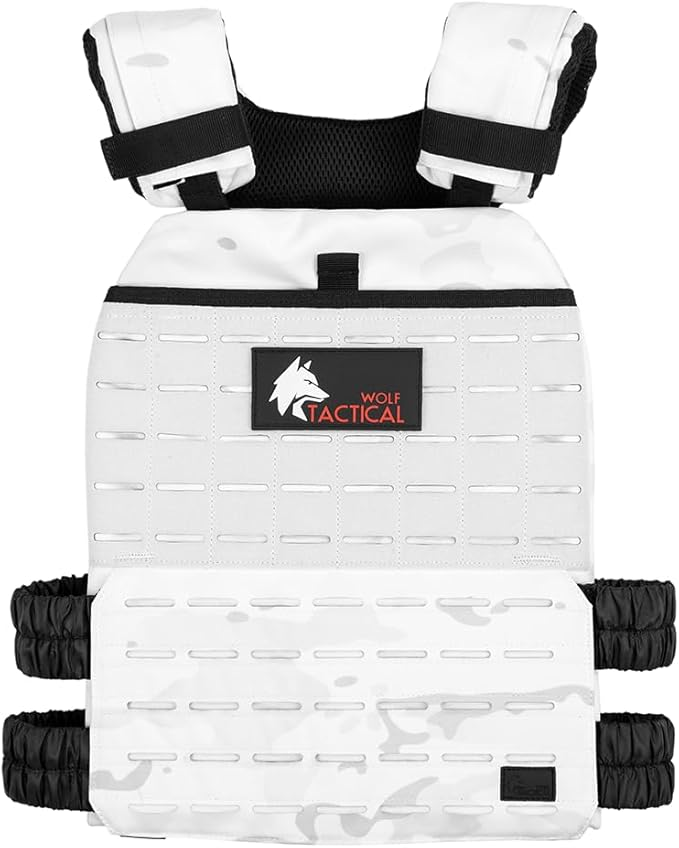
If you prefer a comfortable training vest for repeated rucks, consider the Wolf Tactical Adjustable Weighted Vest.

Understanding METs and distance conversion
Calorie calculators use MET values to convert movement intensity into energy cost. METs are multiplied by bodyweight and time. A distance-based calculator converts distance to time using your pace, then applies METs for rucking with a load. This step is why pace and load are both critical; two identical distances can produce very different calorie totals if one is faster or carried heavier load.
Roughly, moderate rucking with a 20–30% bodyweight load at a steady 3.5 mph pace often sits around 6 to 8 METs, but heavier loads or faster pace push that higher. The calculator translates that into calories per hour; when you know miles and estimated speed, you can get calories per mile and per route quickly.
Sample week using distance-based targets
If you want to burn more calories across a training week without adding extra sessions, manipulate distance, load, and pace. For example, use one long steady-distance ruck, one shorter tempo ruck with heavier vest, and one recovery walk. Rotate load to avoid overuse.
- Monday: 6–8 miles at easy pace, 20 lb vest.
- Wednesday: 3–4 miles tempo, 40 lb vest.
- Saturday: long 10+ miles with lighter load for endurance.
Use the calculator to compare weekly totals. Export distances from your GPS watch or mapping service, paste the distances into the calculator one-by-one or in aggregate, and compare predicted weekly calories burned to your nutrition target. This makes it easy to adjust dietary intake or rucking volume to meet a weight-loss or maintenance plan.
Safety first: add load gradually, maintain posture, and address hot spots on your feet. Use the distance calculator with the Android Rucking app to compare predicted and live calorie data. Try the calculator now or install the app before your next ruck.